Your novel and your world, in one place.
Thread is a novel writing app with worldbuilding built in. Write in markdown, connect characters and places with [[wiki-links]], see your story as a living graph, and let AI catch the contradictions you missed.
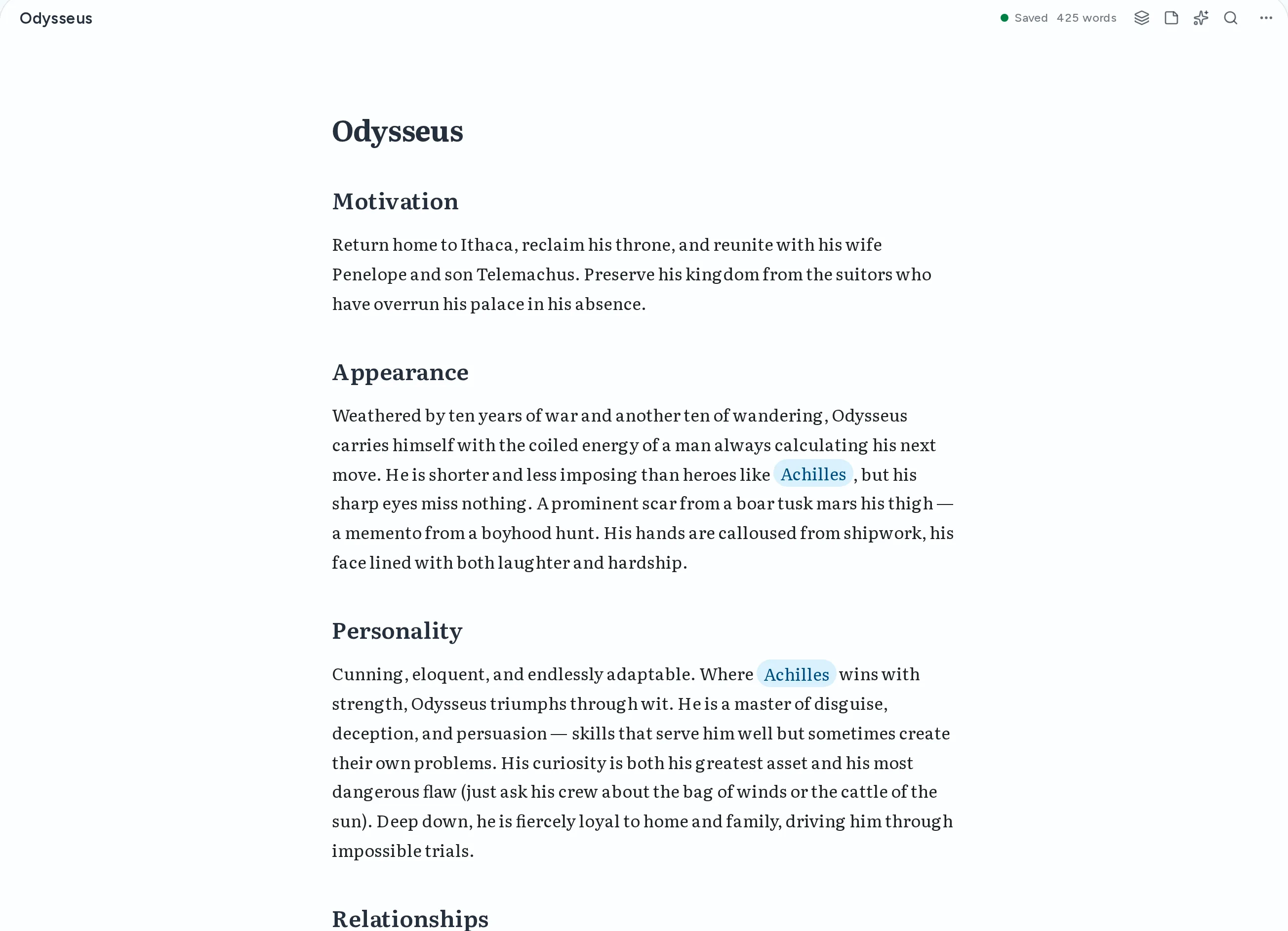
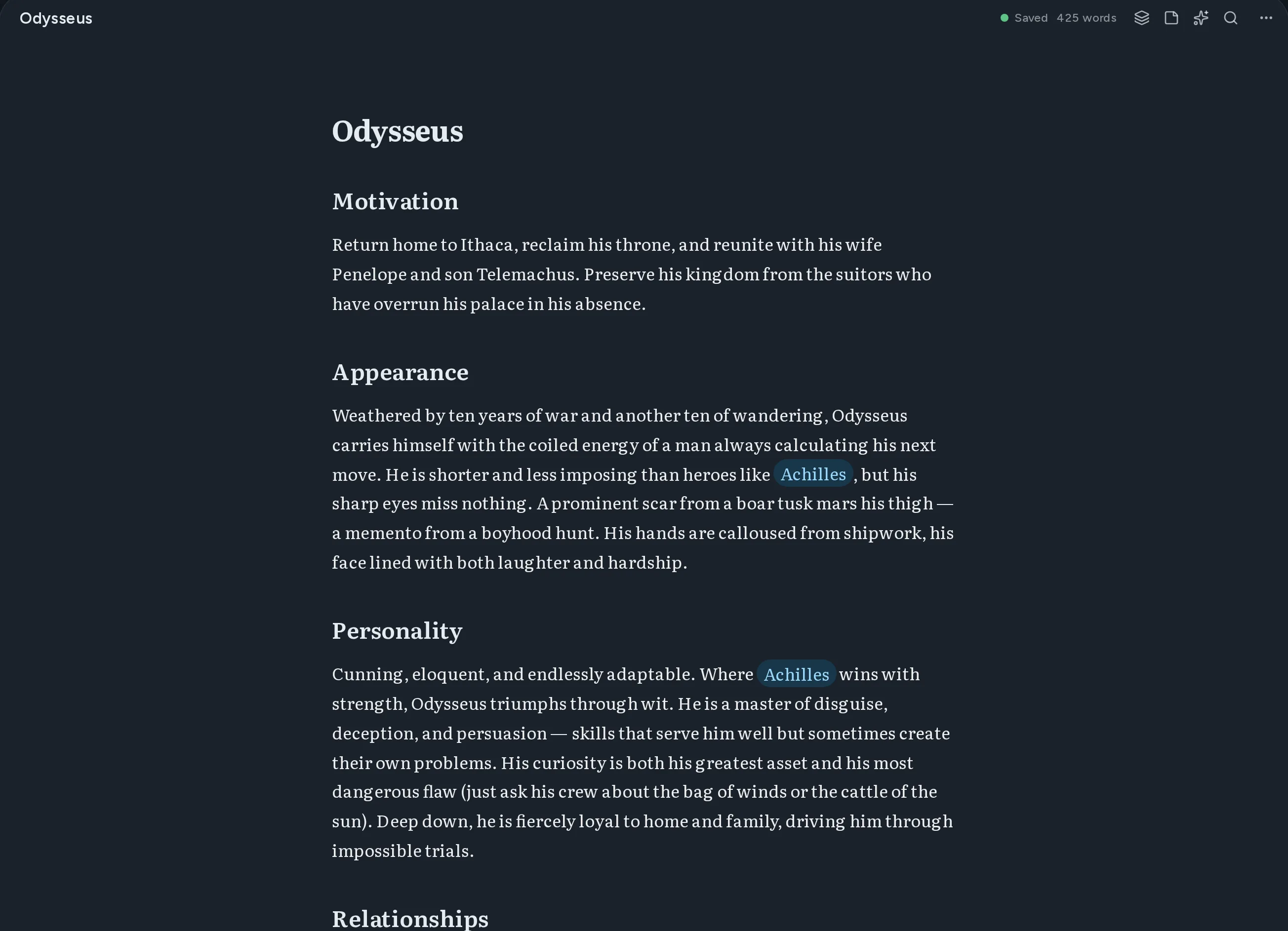
From a blank page to a finished draft
Three places, one app. Write the draft, keep the world beside it, and see how everything connects.
Write the draft
A clean markdown editor with live preview. Type [[ to link a character or a place without leaving the sentence.
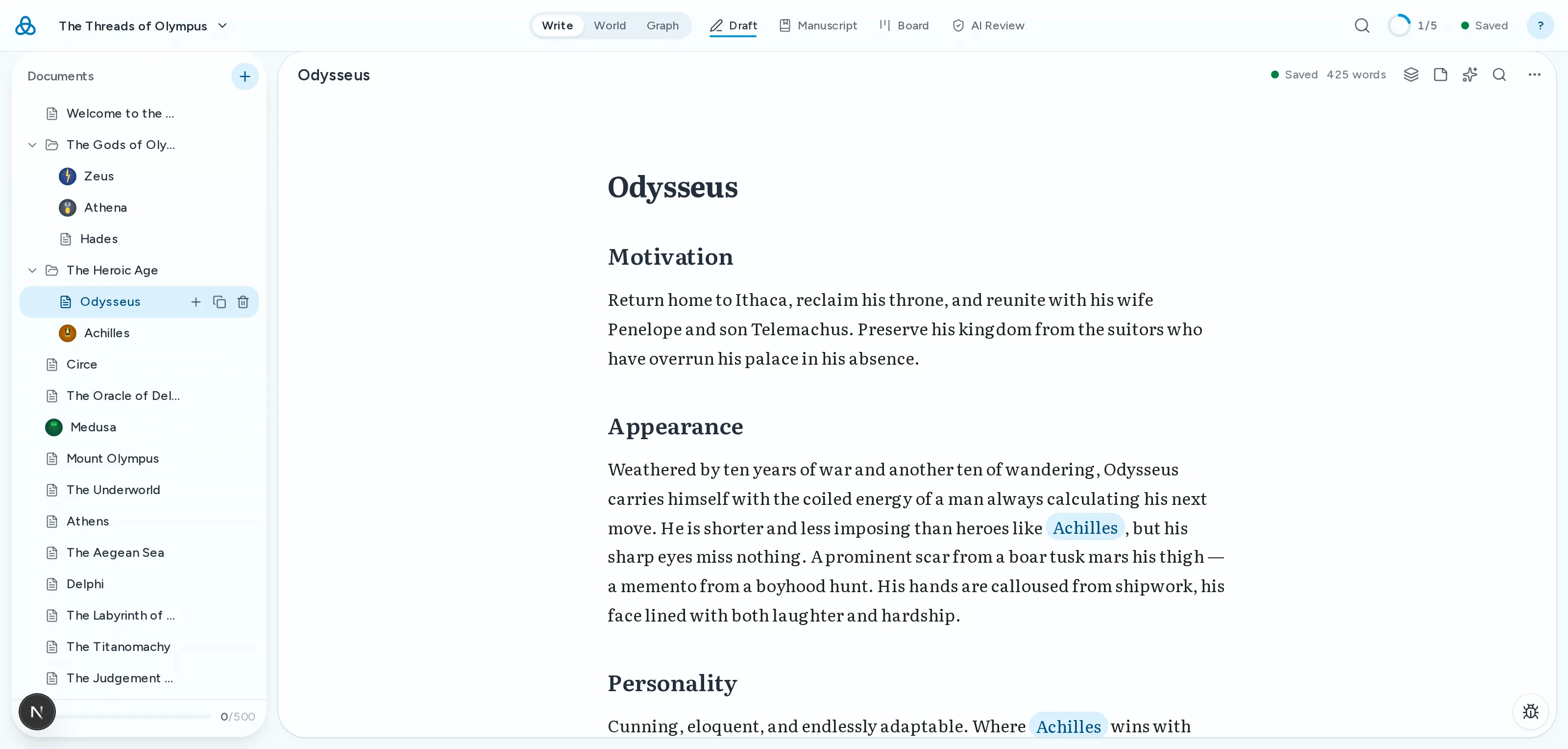
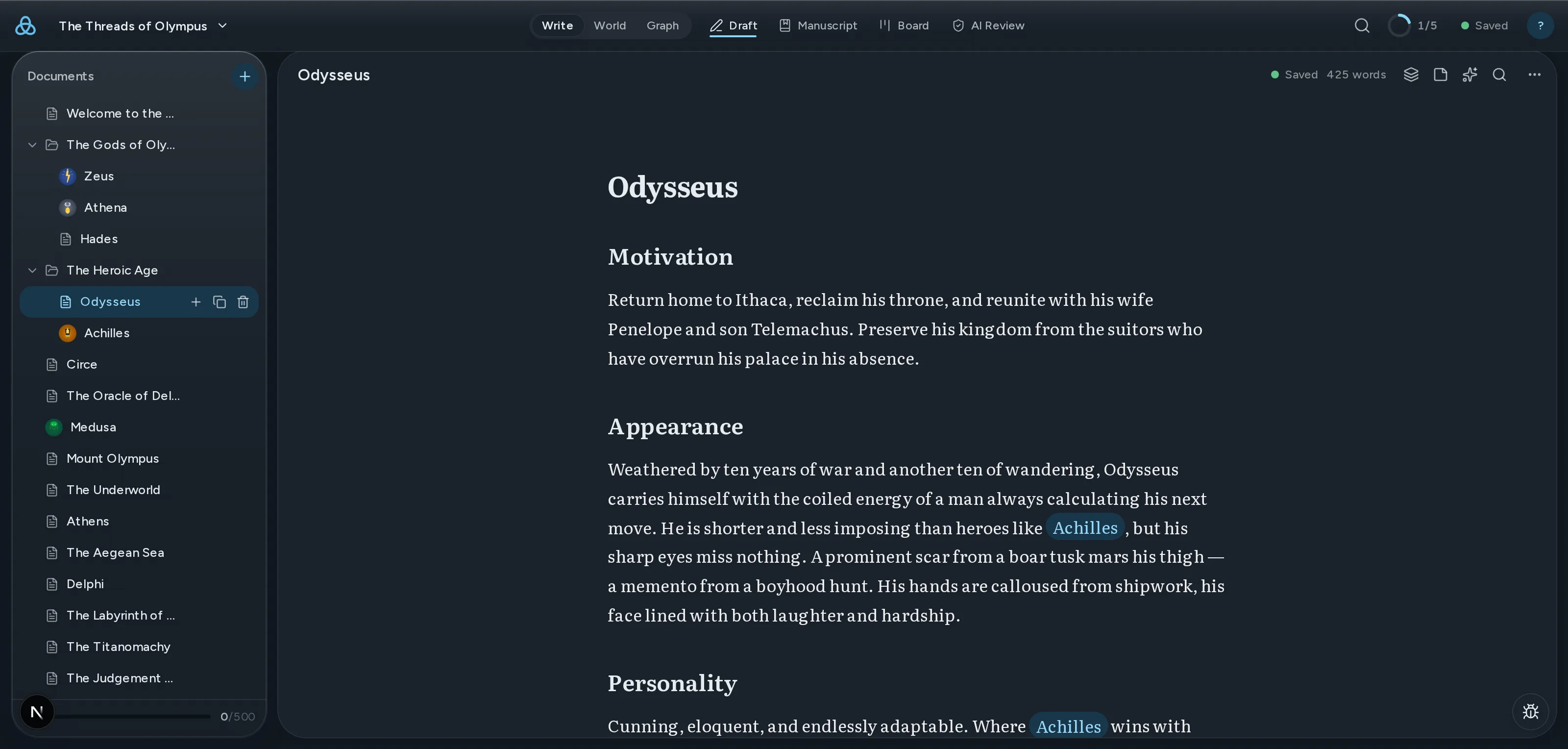
Keep the world beside it
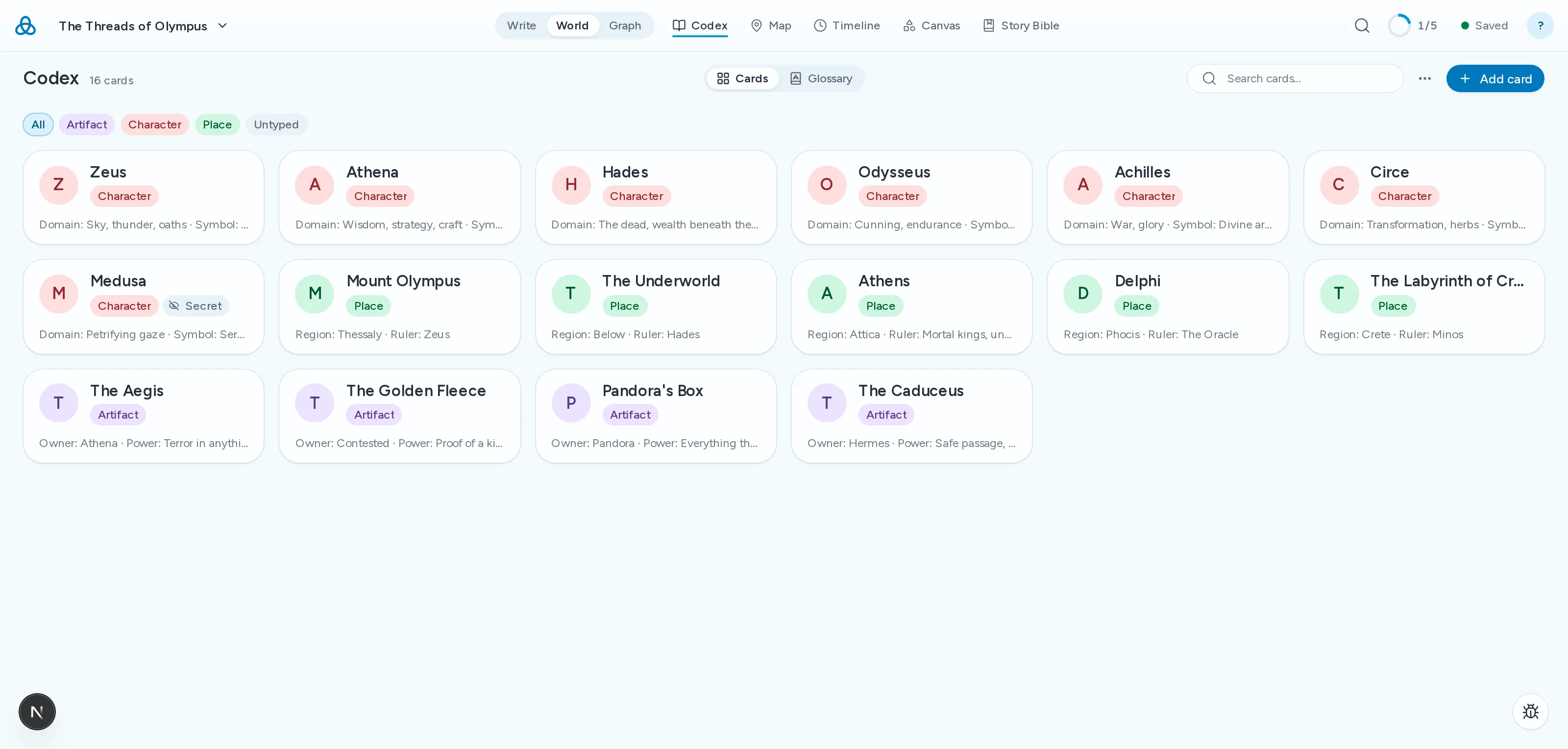
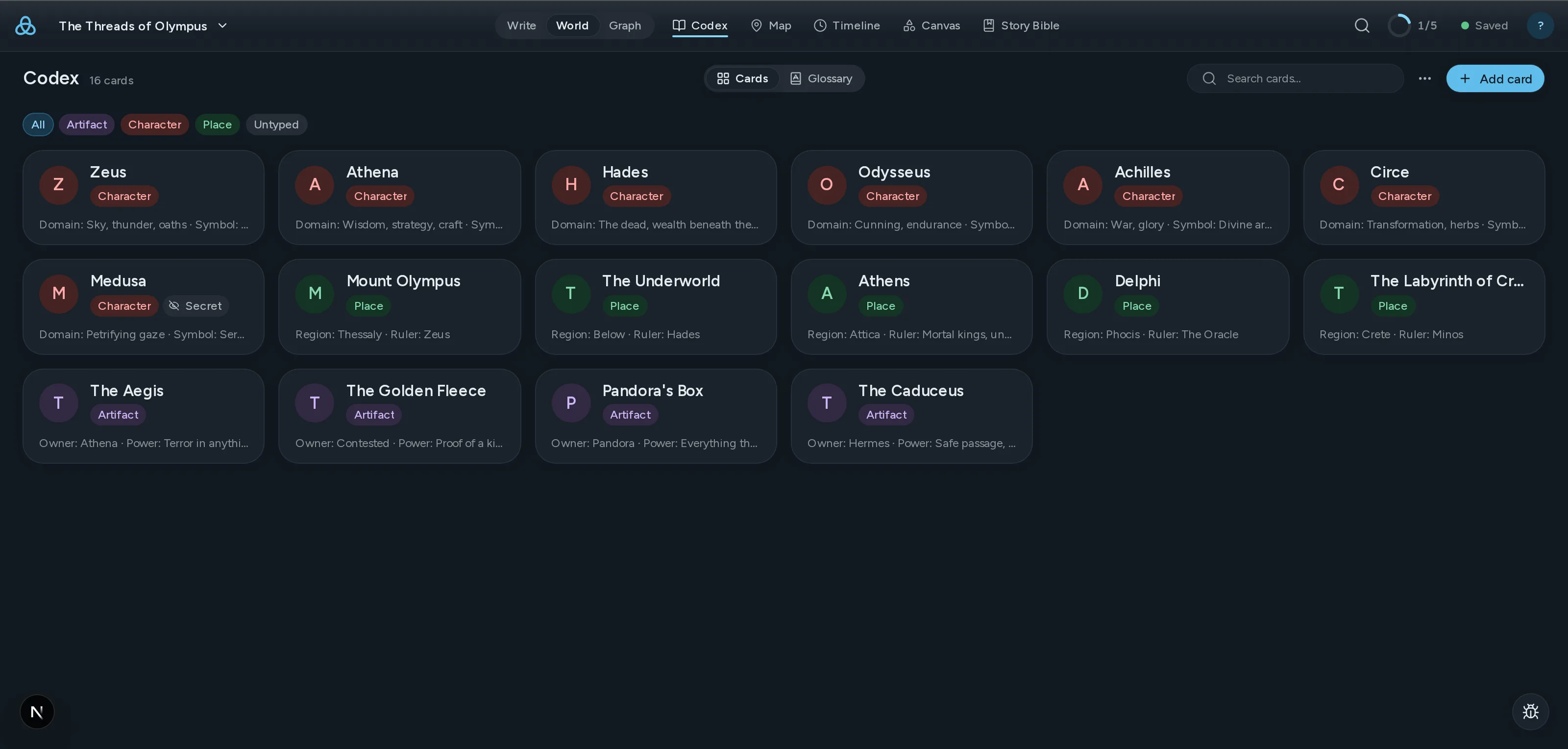
Characters, places and factions live in the codex as cards. Pull them out of your prose with the story bible, no retyping.
See how it all connects
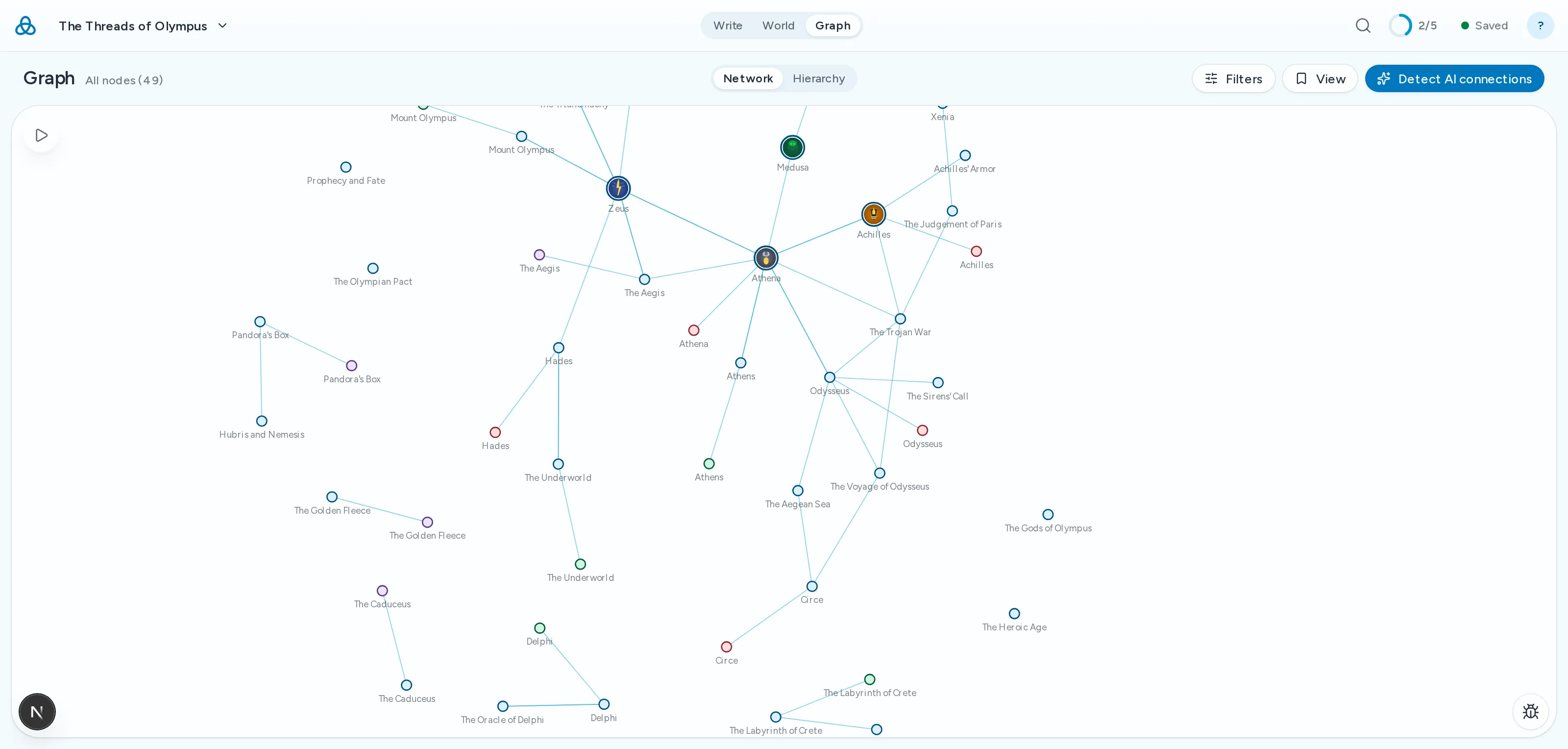
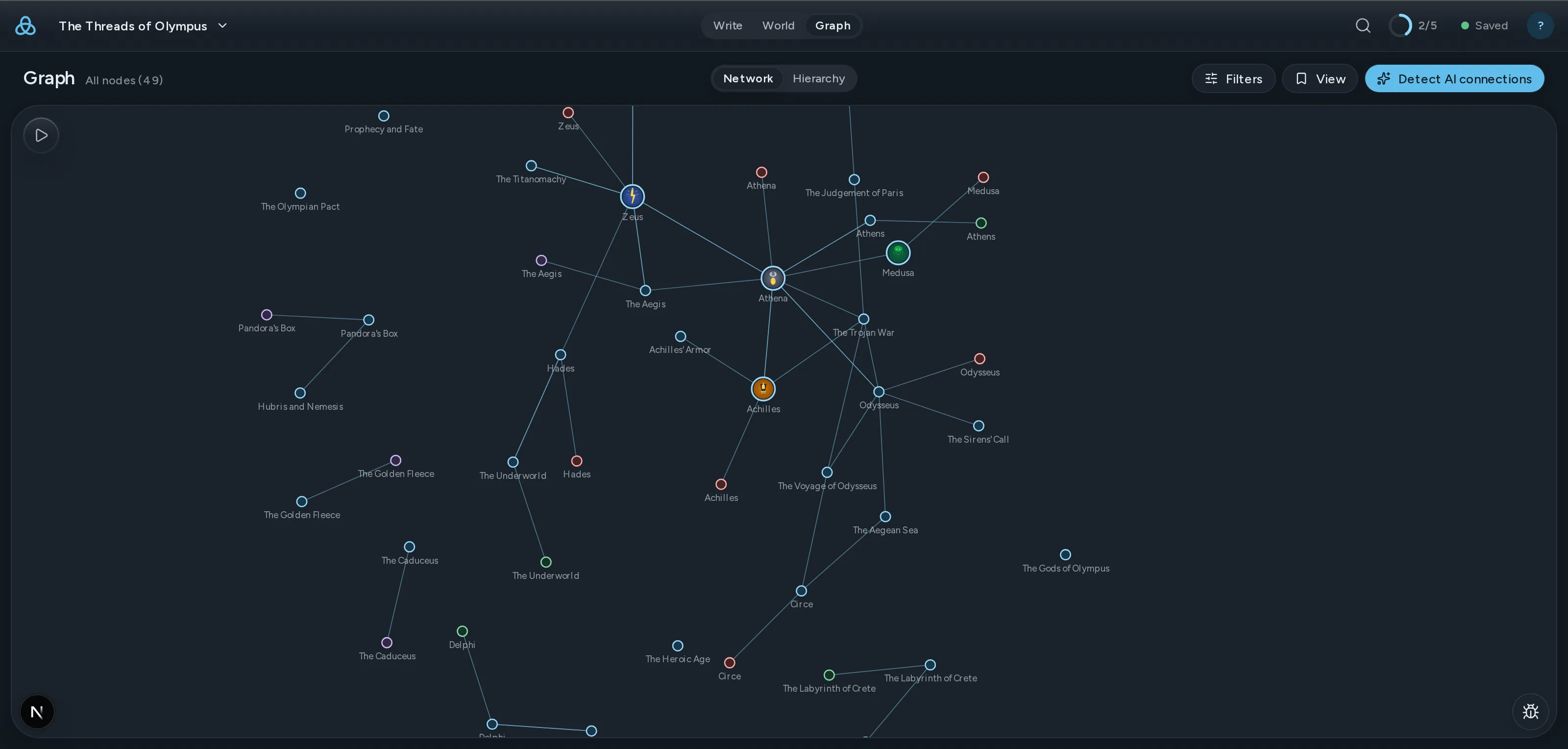
Every link becomes an edge in a living graph. Follow a thread from a scene to a character to the places they've been.
Simple pricing
Start free. Upgrade when you need more.
Free
Start building your world
$0/month
- Markdown editor with live preview and source modes
- [[Wiki-links]] for connecting documents
- Interactive graph visualization
- Document types, tags, and metadata
- File tree with drag-and-drop organization
- Cross-platform sync — always up to date
- Up to 3 projects, 100 documents per project
- Markdown-only export
- 20 AI calls a month — spell check doesn't count
Writer
For dedicated storytellers
$12/month
- Everything in Free, plus:
- Unlimited projects and documents
- All AI features — 500 calls a month (deep checks use 5)
- Share projects with collaborators
- PDF, DOCX, and EPUB export
Subscriptions auto-renew. Cancel anytime. See full plan details with annual options
Questions writers actually ask
Thread is a markdown-first writing and worldbuilding platform. Write your documents in plain markdown, connect them with [[wiki-links]], and explore every relationship in an interactive graph. It's designed for novelists, game masters, and anyone managing complex, interconnected knowledge.
Wiki-links are a way to connect documents using double brackets. Type [[Character Name]] in any document, and Thread creates a link to that document. The graph visualization shows how all your linked documents relate to each other, making it easy to explore your world's connections.
Yes. The Free tier includes a full markdown editor with live preview, [[wiki-links]], an interactive graph, document types and tags, drag-and-drop file organization, and sync across devices. You can create up to 3 projects with 100 documents each at no cost. Your work is saved on this device first and synced whenever you're online; if something can't sync, the Sync problems panel on your project's home shows it.
AI features are optional and privacy-respecting. When you choose to use them, your content is sent to OpenRouter for processing, and neither Thread nor OpenRouter uses your content for model training. The Free tier includes 20 AI calls per month so you can try AI features. Writer includes 500 calls a month, and deep checks use 5 each. Spell check never counts.
On the Free tier, you can export to Markdown. Writer adds PDF, DOCX, and EPUB export. All exports use standard formats with no lock-in.