為奇幻與科幻小說作者打造

你的小說與你的世界,
終於在同一個地方。

用 Markdown 寫作,在動態圖譜中看清故事的脈絡,讓懂你世界的 AI 找出你遺漏的矛盾。

Markdown editor
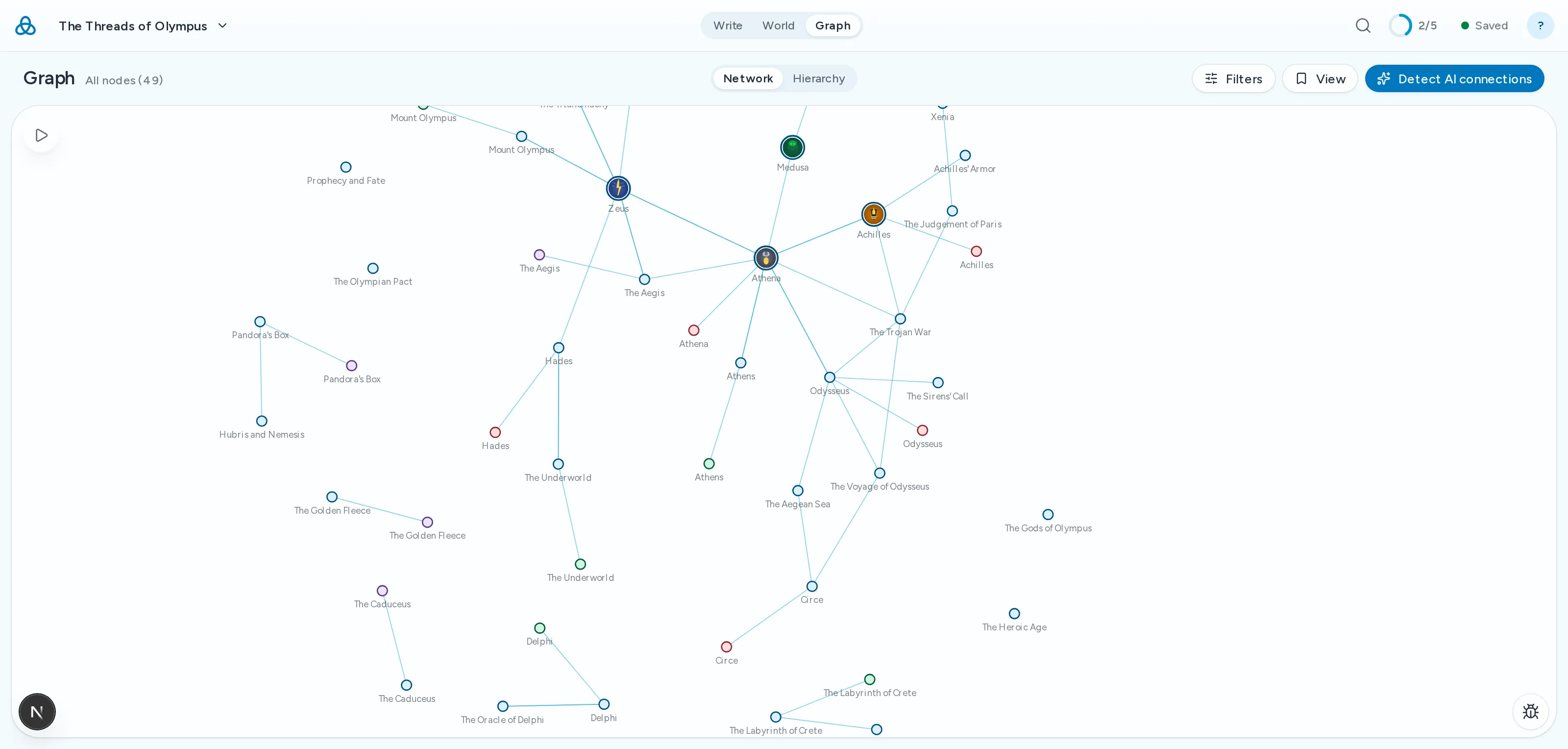
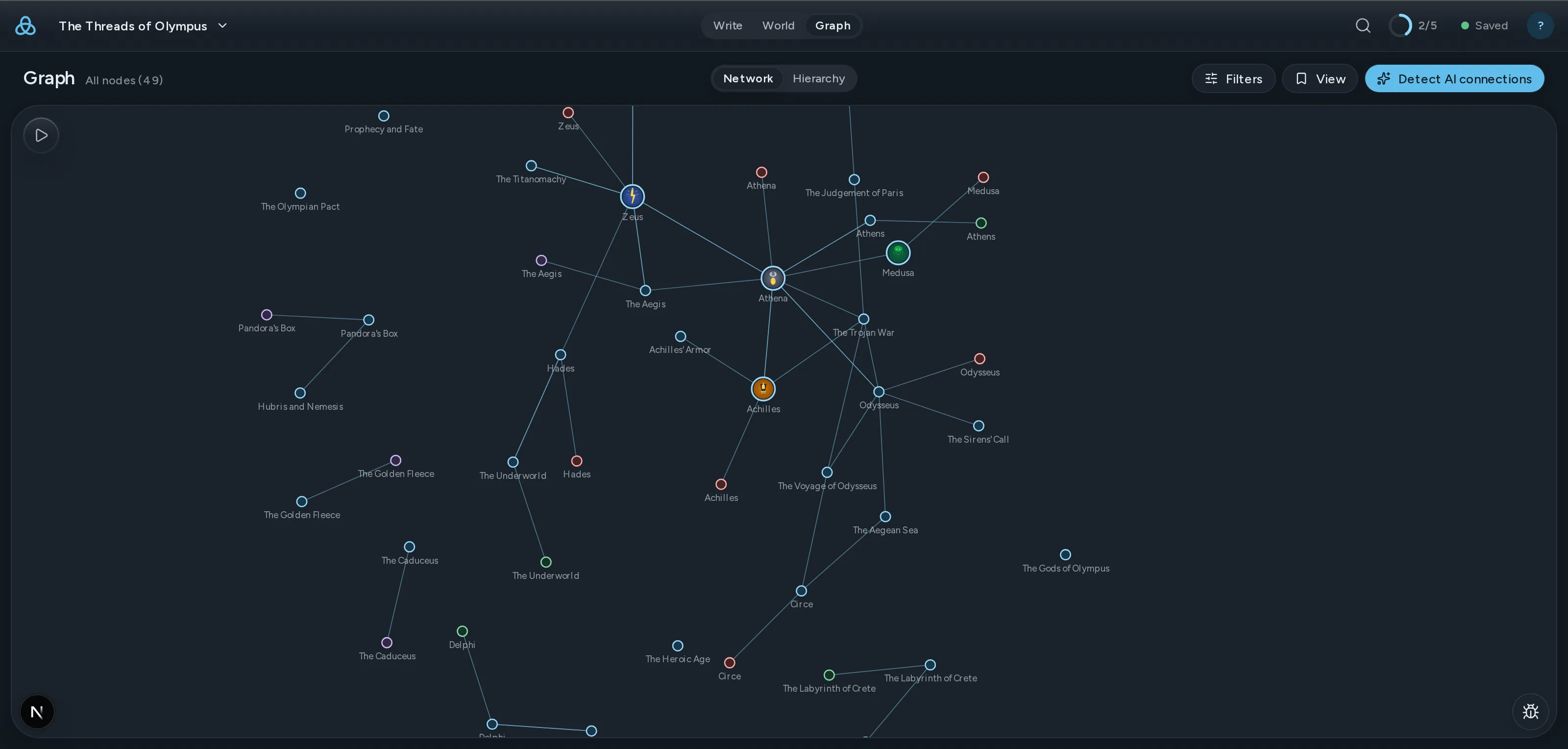
動態故事圖譜
連貫性檢查
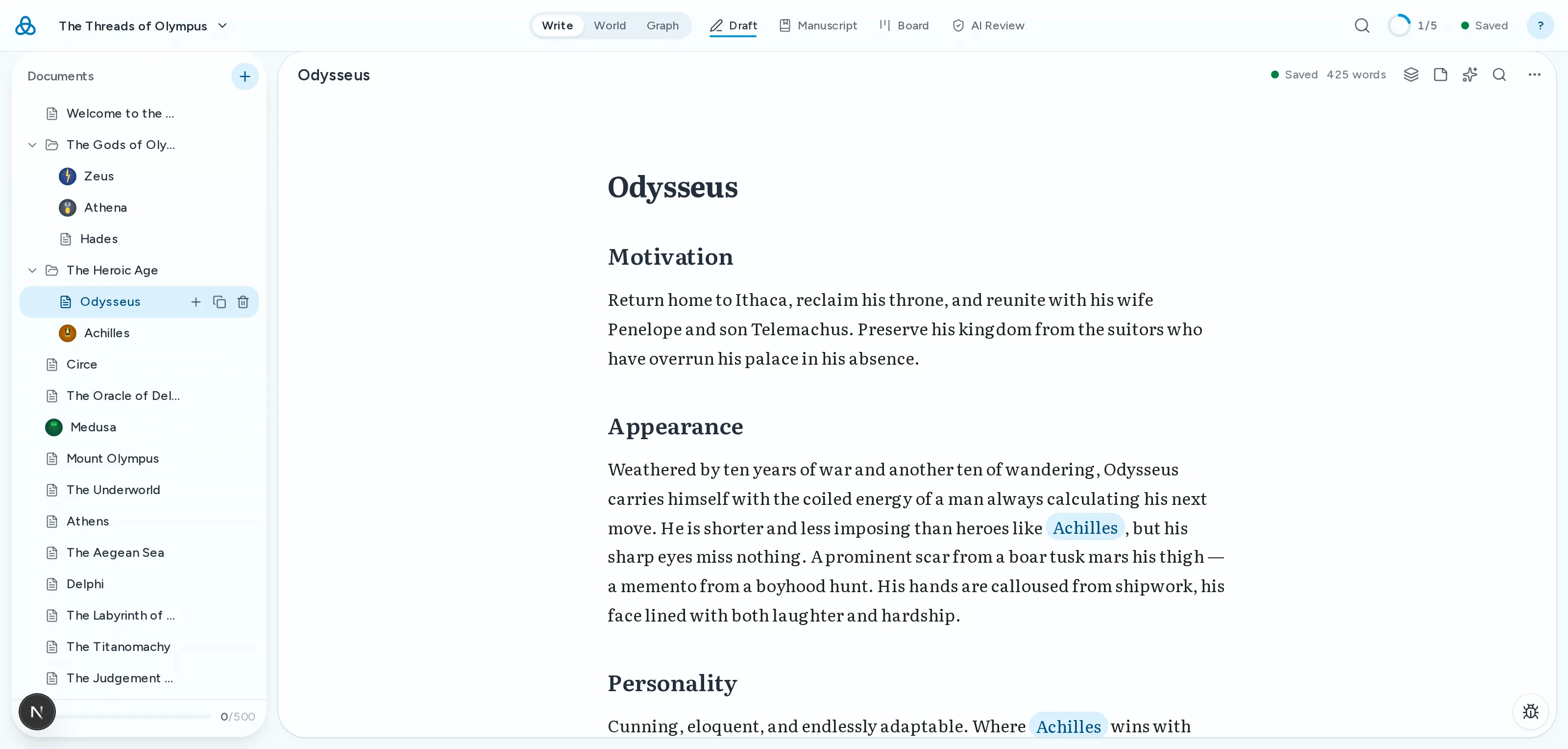
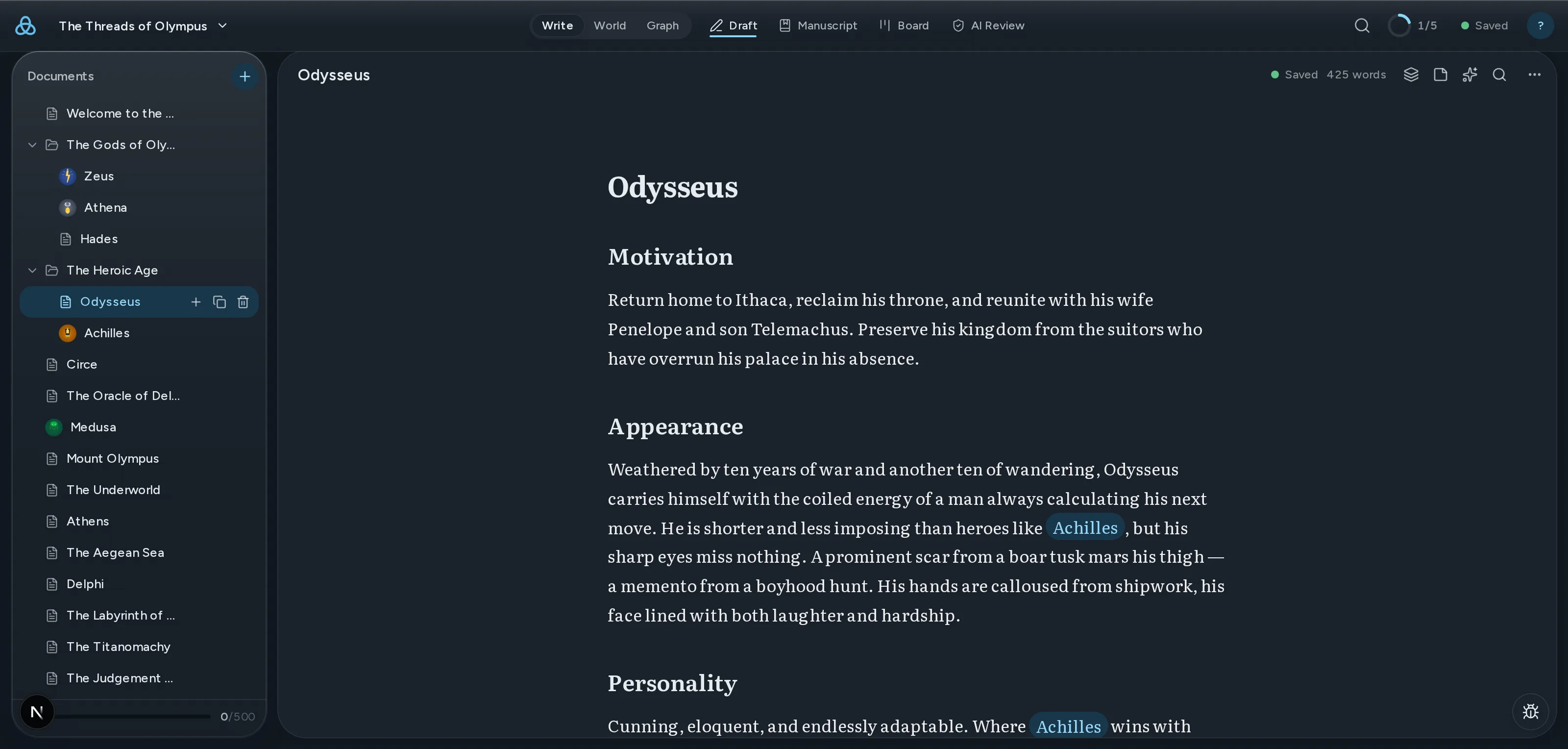
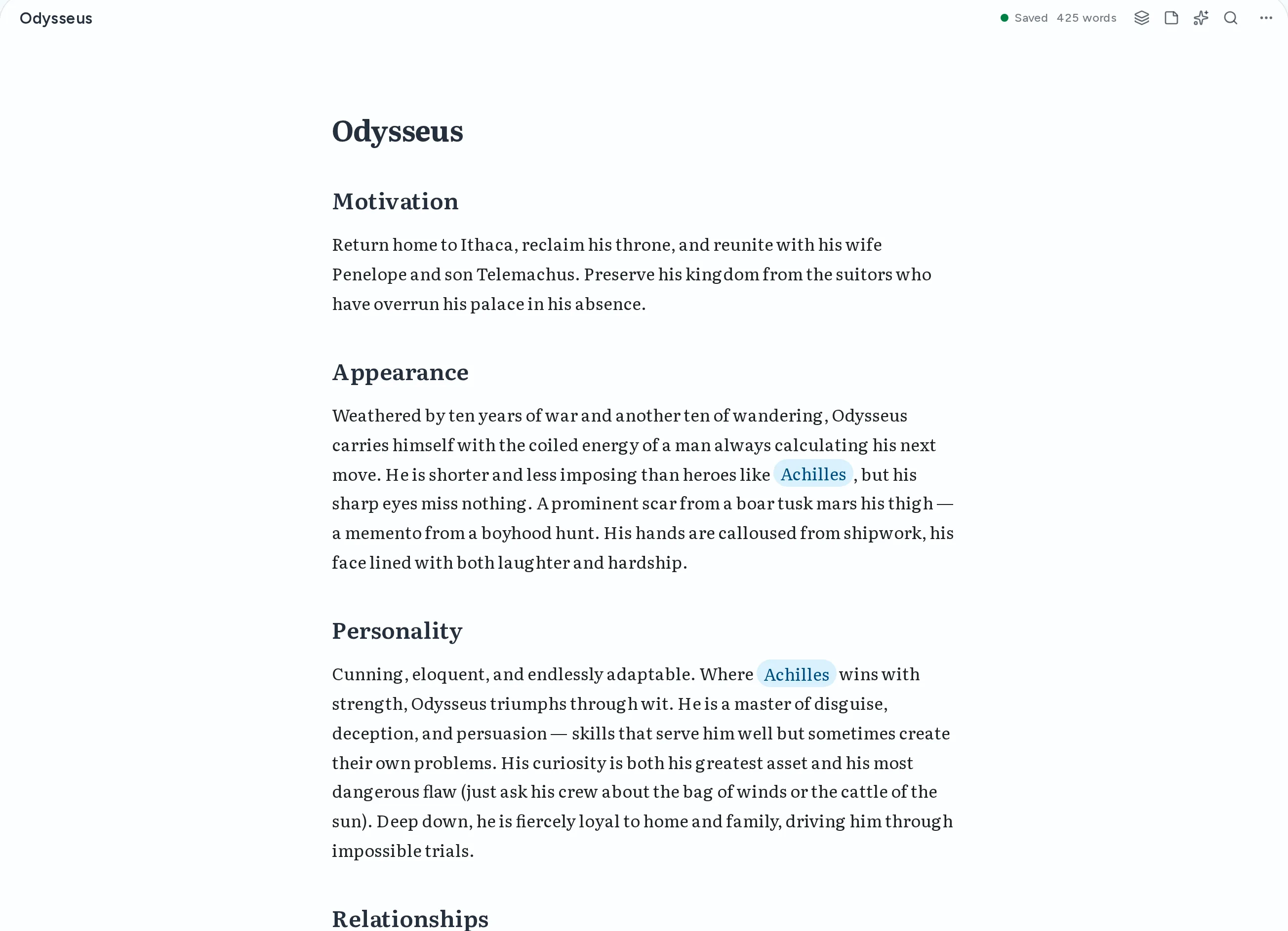
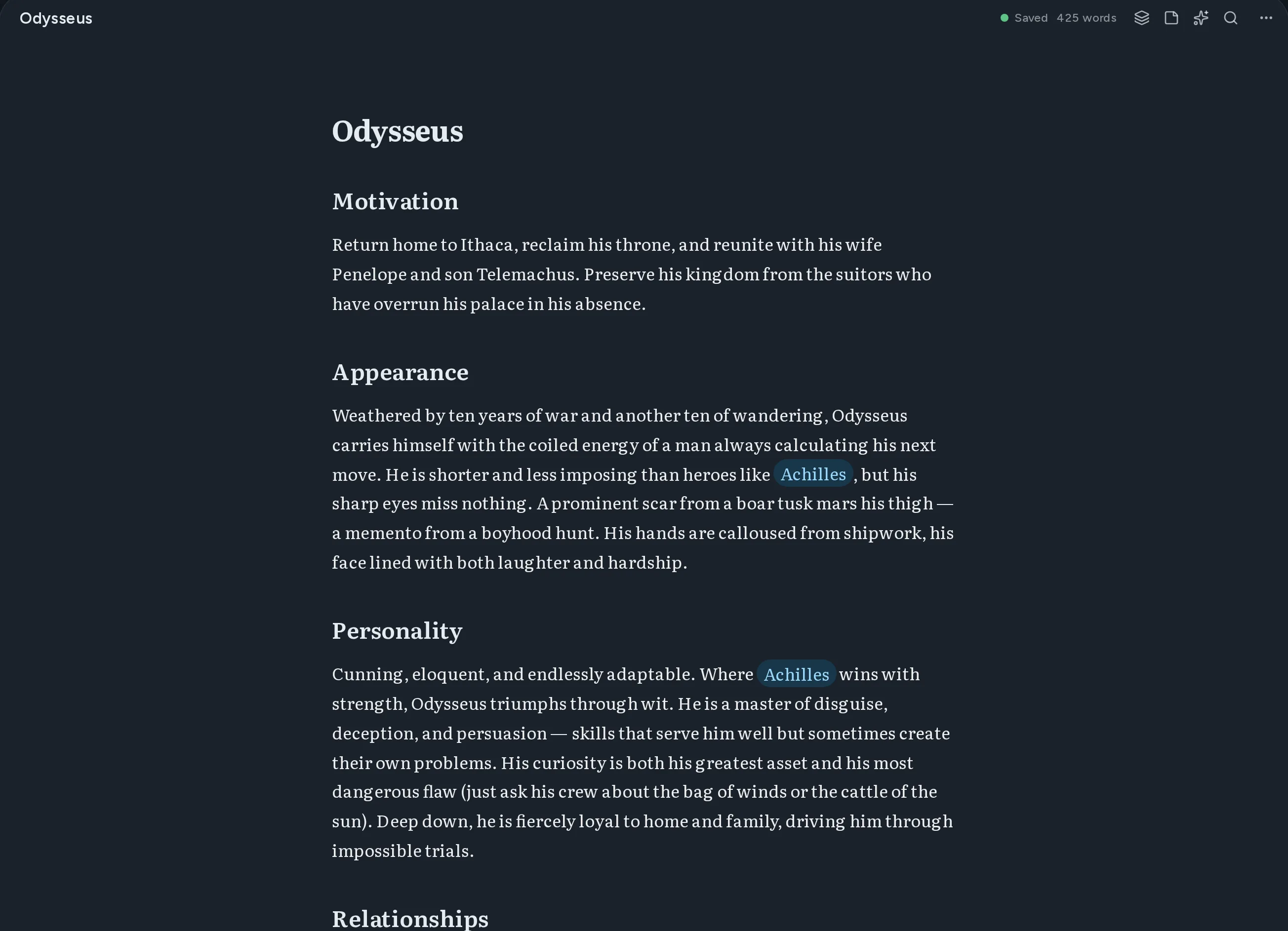
Thread 編輯器:一份以 Markdown 寫成的人物文件,內文中指向其他文件的維基連結被標示出來。

從空白頁到完成的初稿

四個階段,一個地方。你不必離開這個應用,也不必在腦中再存一份自己的世界。

    01書寫

    帶即時預覽和原始碼模式的 Markdown 編輯器

    Write in markdown with instant preview. Switch between source and rendered views anytime.

    Thread 編輯器:一份以 Markdown 寫成的人物文件,內文中指向其他文件的維基連結被標示出來。

    02連結

    用於連結文件的 [[Wiki-links]]

    Double-bracket syntax creates connections between documents automatically.

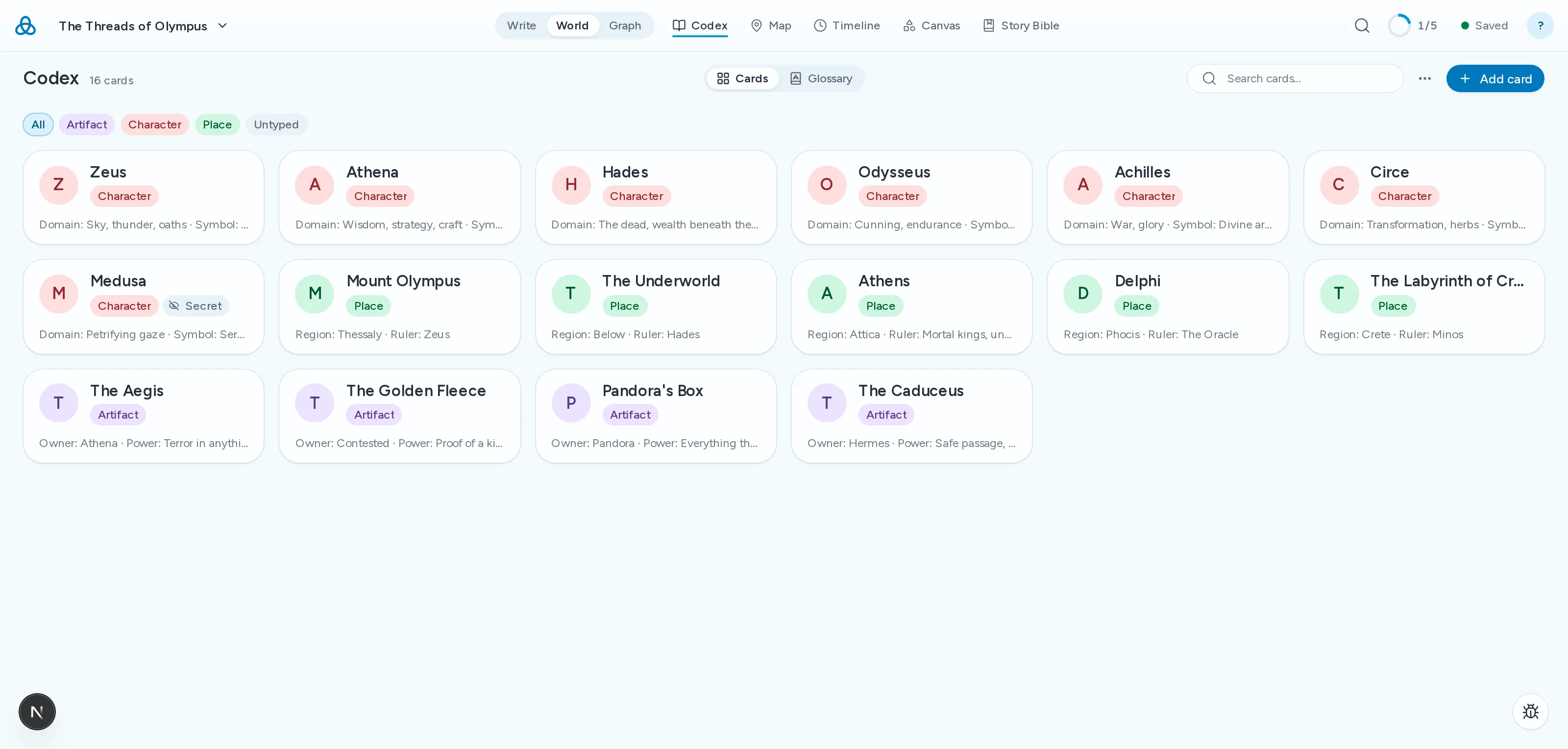
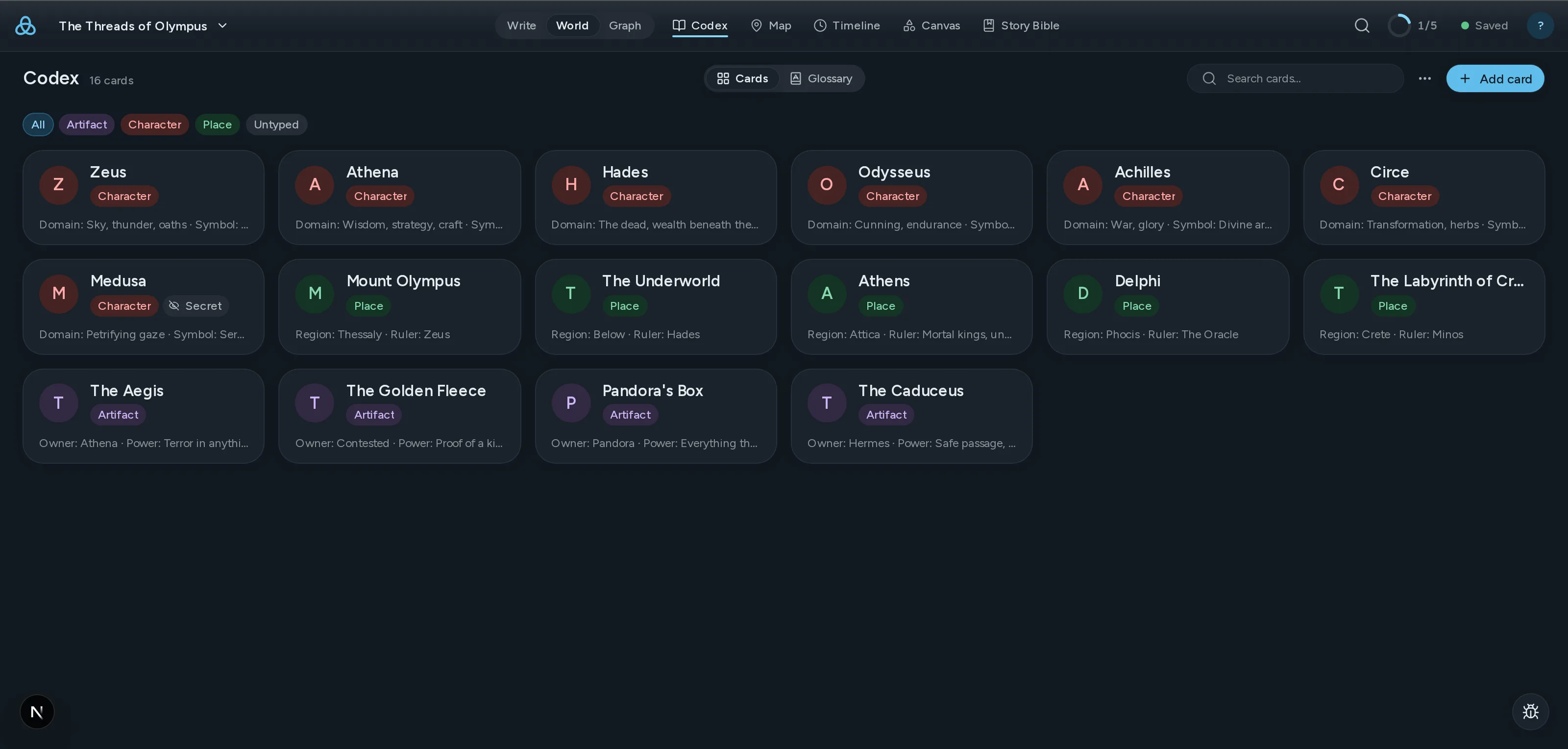
    Thread 圖鑑:由世界中的人物、地點與器物卡片組成的網格。

    03檢視

    互動式力導向圖

    See every relationship in your world at a glance. Drag nodes, follow threads.

    ClothoLachesisAtroposThe LoomGolden ThreadRiver StyxSpindle
    CharacterLocationItem

    04校驗

    AI 連貫性檢查

    Thread 將草稿與你的設定集比對,標出外貌、時間線、名稱和設定上的矛盾。

    AI Review2 findings
    highAppearance
    Kaelen's eye colour changes
    Chapter 3his green eyes narrowed
    Chapter 17those pale blue eyes
    mediumTimeline
    The siege lasts nine days, then six
    Chapter 8on the ninth day of the siege
    Codex · Siege of Vhara six-day encirclement

現有功能和即將推出

  • 自動故事聖經從正文中擷取角色、地點與陣營,自動生成設定卡,無需重新輸入。
  • 支援拖曳整理的檔案樹Organize your work your way with drag-and-drop folders and files.
  • 跨平台同步你的作品會自動同步到所有裝置,始終保持最新。
  • AI 建議和改寫Get context-aware suggestions and rewrites powered by AI that understands your world.
  • 所有文件全文搜尋Find any passage across all your documents instantly.
  • 與協作者共享專案透過電子郵件邀請他人檢視或編輯你的專案。即時協作編輯即將推出。
  • PDF 和 DOCX 匯出 作家Export your work as polished PDFs or DOCX documents ready for publishing.
  • 可立即探索的展示專案Explore the Moirai demo project to see Thread in action right away.

Coming from another tool?

Thread overlaps with tools you probably already use. Here is where it differs — and where it does not.

  • From Scrivener

    Scrivener is still the best manuscript organiser there is, and one payment buys it outright. What it has never had is a model of your world: the story bible sits in folders the draft cannot see, so keeping the two in agreement is your job. Thread links them, so a character card and the chapter contradicting it are one click apart.

  • From Obsidian

    Obsidian gives you a linked story bible and a graph, free and local, and it is genuinely good at that. It is an awkward home for the manuscript itself — chapter order, draft targets and a publishable export each need a plugin, and the plugins do not agree with each other. Thread keeps the wiki-links and the graph and treats the novel as a first-class object.

    Read the full comparison
  • From World Anvil

    World Anvil goes deeper on worldbuilding than Thread does, and it is built for game masters first. If you are writing a novel rather than running a campaign, much of that depth becomes scaffolding you maintain instead of prose you write.

    Read the full comparison

簡單定價

免費開始。需要更多時升級。

免費
開始建構你的世界
$0/
  • 帶即時預覽和原始碼模式的 Markdown 編輯器
  • 用於連結文件的 [[Wiki-links]]
  • 互動式圖表視覺化
  • 文件類型、標籤和元資料
  • 支援拖曳整理的檔案樹
  • 跨平台同步 — 始終保持最新
  • 最多 3 個專案
  • 僅匯出 Markdown
  • 每月 20 次 AI 呼叫,試用 AI 功能
開始使用
熱門
作家
為專注的講述者設計
$12/
  • 免費版所有功能,外加:
  • 無限專案
  • 所有 AI 功能 — 每月 500 次
  • 與協作者共享專案
  • 匯出為 PDF、DOCX 和 EPUB
開始使用

檢視包含年度選項的所有計畫詳情

訂閱自動續約。可隨時取消。 條款

Questions writers actually ask

什麼是 Thread?
Thread 是一款基於 Markdown 的寫作和世界建構平台。用簡單的 Markdown 書寫文件,用 [[wiki-links]] 連結,在互動式圖表中探索每一個關係。它為小說家、遊戲主持人和所有管理複雜互聯知識的人設計。
什麼是 [[wiki-links]]?
wiki-links 是一種使用雙方括號連結文件的方式。在任何文件中輸入 [[角色名稱]],Thread 就會創建一個指向該文件的連結。圖表視覺化展示了你所有連結文件之間的關係,讓你輕鬆探索世界的連結。
Thread 免費嗎?
是的。免費方案包含完整的 Markdown 編輯器與即時預覽、[[wiki-links]]、互動式關係圖、文件類型與標籤、拖放式檔案整理,以及雲端儲存。你可以免費建立最多 3 個專案,每個專案 100 篇文件。你的作品始終保存在雲端。
Thread 中的 AI 如何工作?
AI 功能是可選的,尊重隱私。當你選擇使用時,你的內容會傳送到 OpenRouter 進行處理,Thread 和 OpenRouter 都不會使用你的內容訓練模型。免費每月包含 20 次 AI 呼叫,可試用 AI 功能。作家每月包含 500 次。
我可以匯出到哪些格式?
免費版可以匯出為 Markdown。作家版增加了 PDF、DOCX 和 EPUB 匯出。所有匯出都使用無綁定的標準格式。
See all questions

保持關注

獲取新功能更新、寫作技巧和世界建構指南。絕無垃圾郵件。