为奇幻与科幻小说作者打造

你的小说与你的世界,
终于在同一个地方。

用 Markdown 写作,在动态图谱中看清故事的脉络,让懂你世界的 AI 找出你遗漏的矛盾。

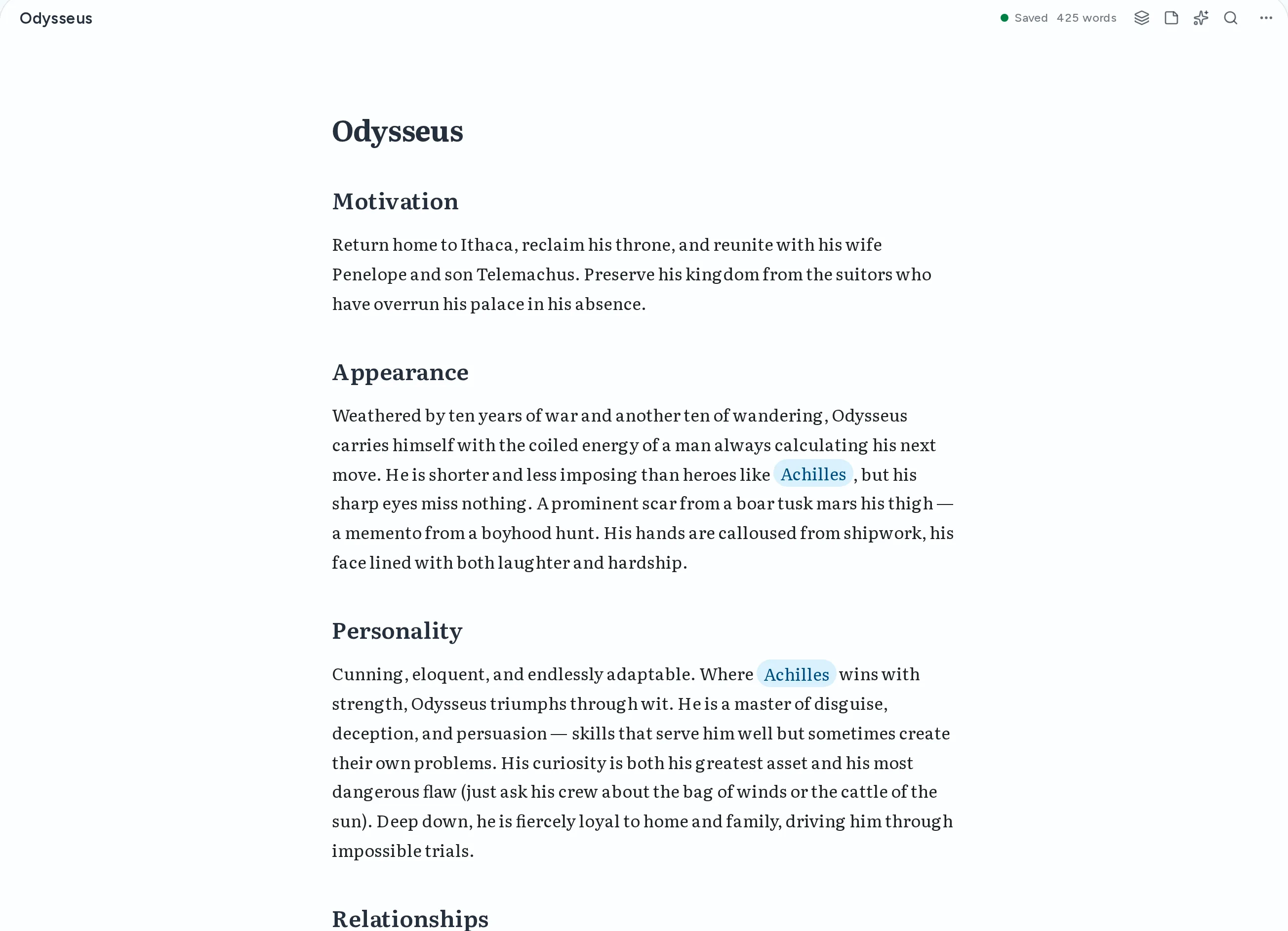
Markdown editor
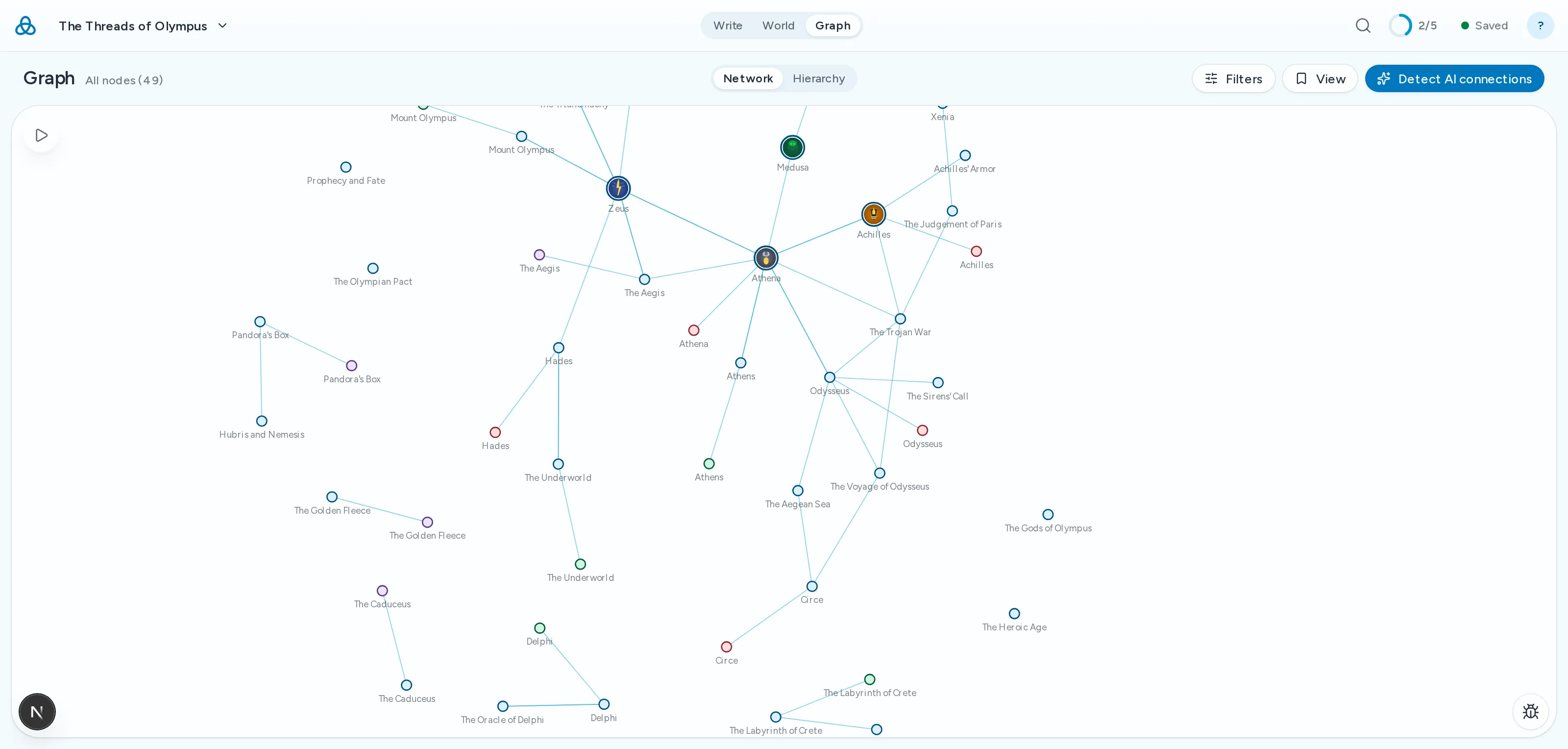
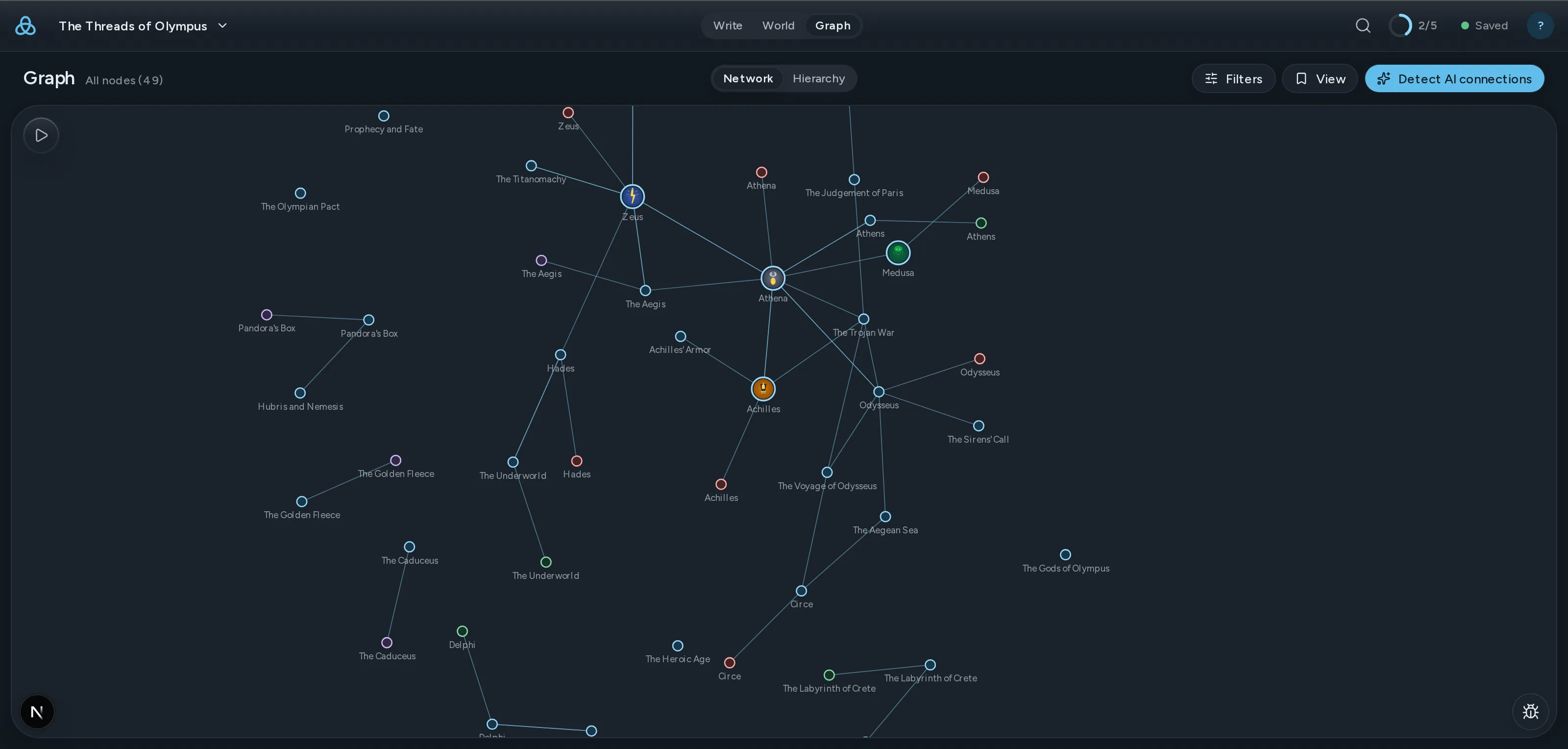
动态故事图谱
连贯性检查
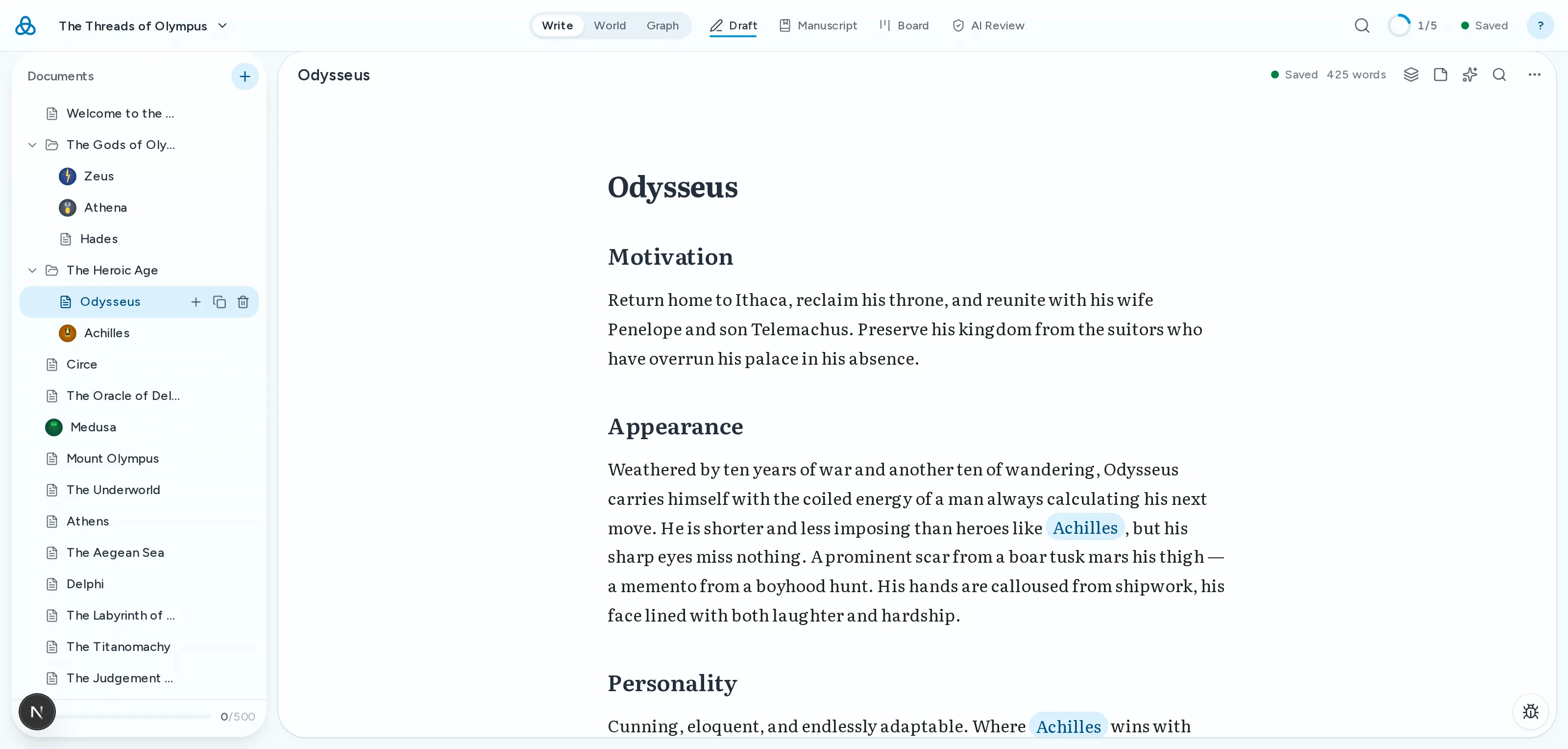
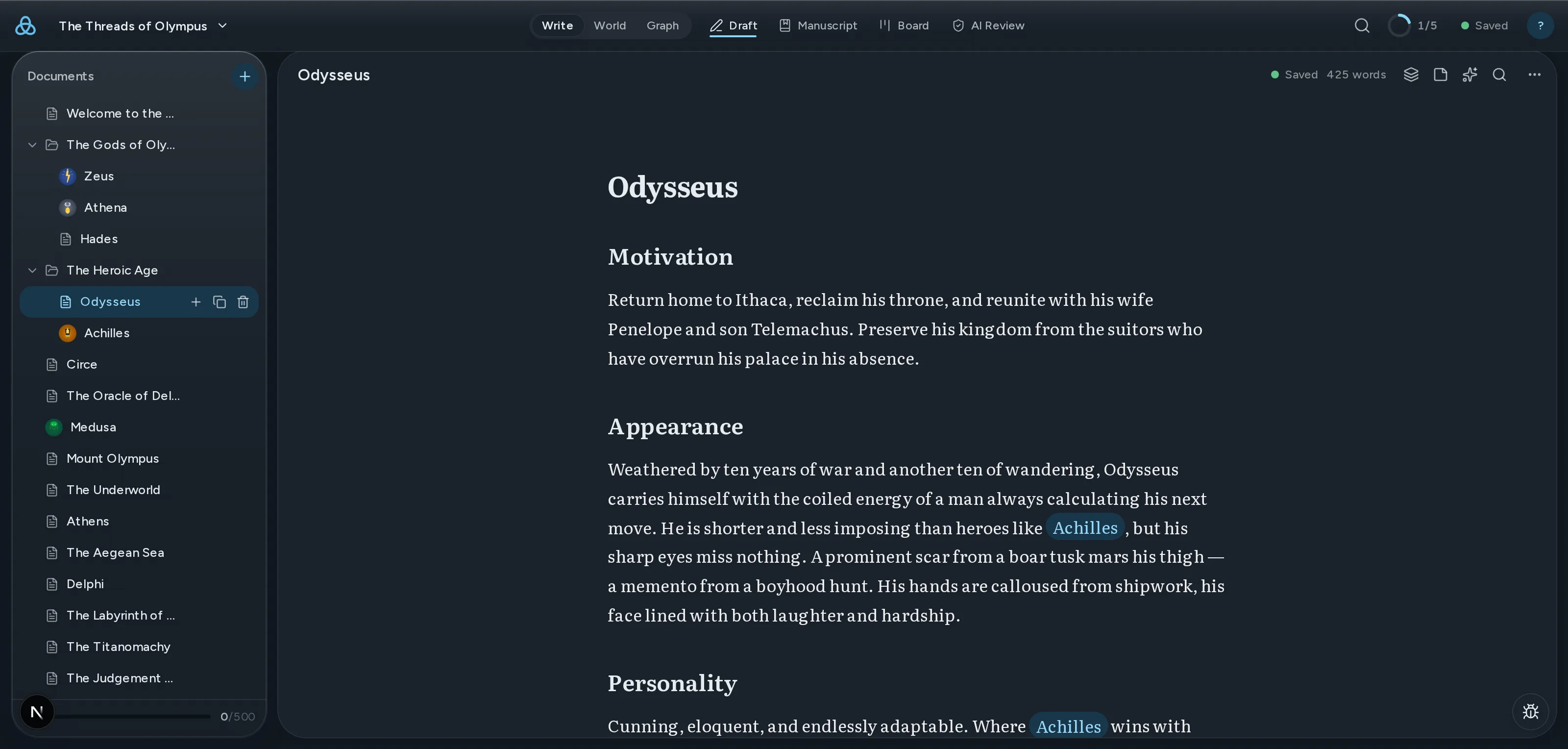
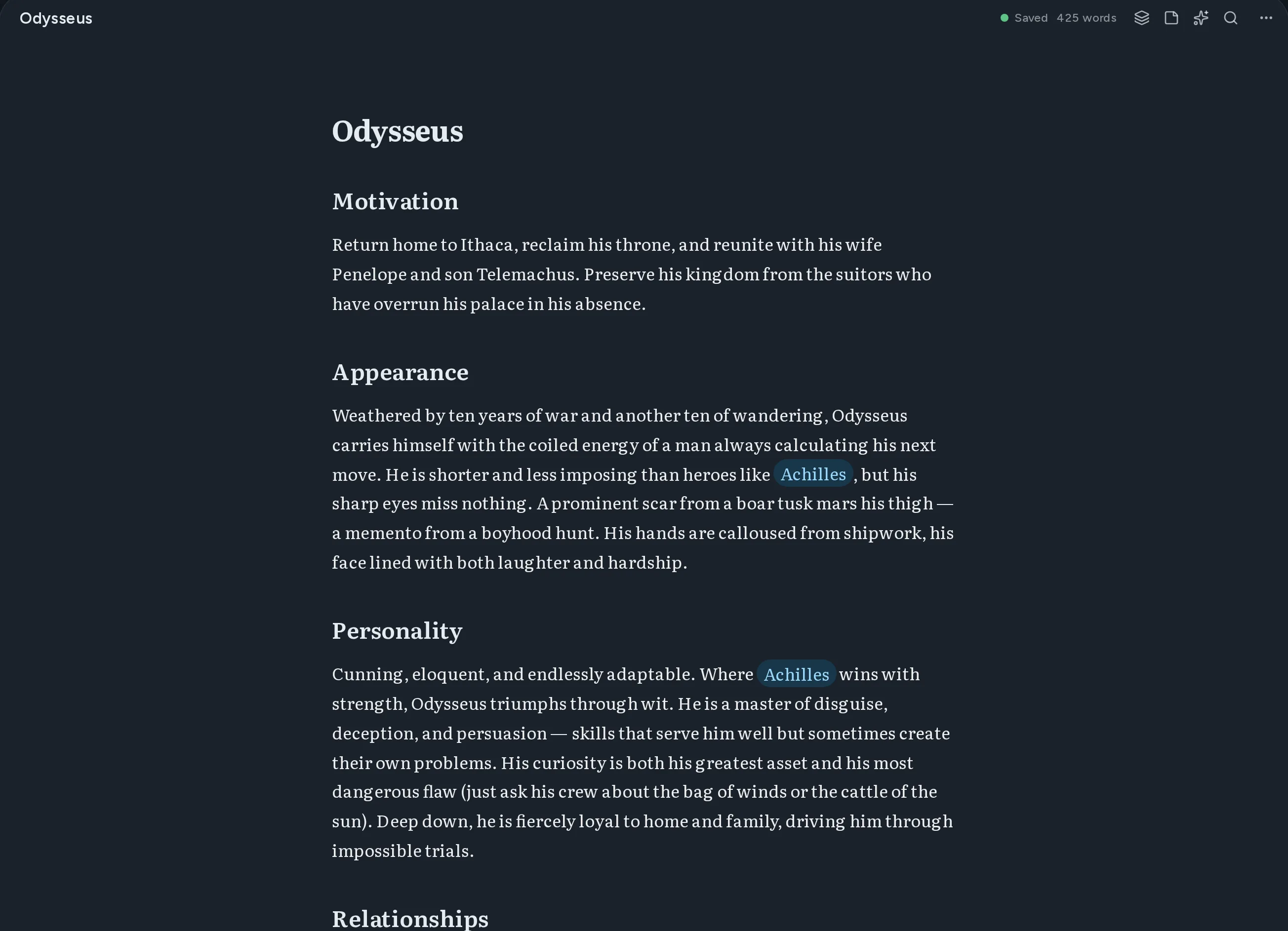
Thread 编辑器:一份用 Markdown 写成的人物文档,正文中指向其他文档的维基链接被高亮显示。

从空白页到完成的初稿

四个阶段,一个地方。你不必离开这个应用,也不必在脑中再存一份自己的世界。

    01写作

    带实时预览和源码模式的 Markdown 编辑器

    Write in markdown with instant preview. Switch between source and rendered views anytime.

    Thread 编辑器:一份用 Markdown 写成的人物文档,正文中指向其他文档的维基链接被高亮显示。

    02连接

    用于连接文档的 [[Wiki-links]]

    Double-bracket syntax creates connections between documents automatically.

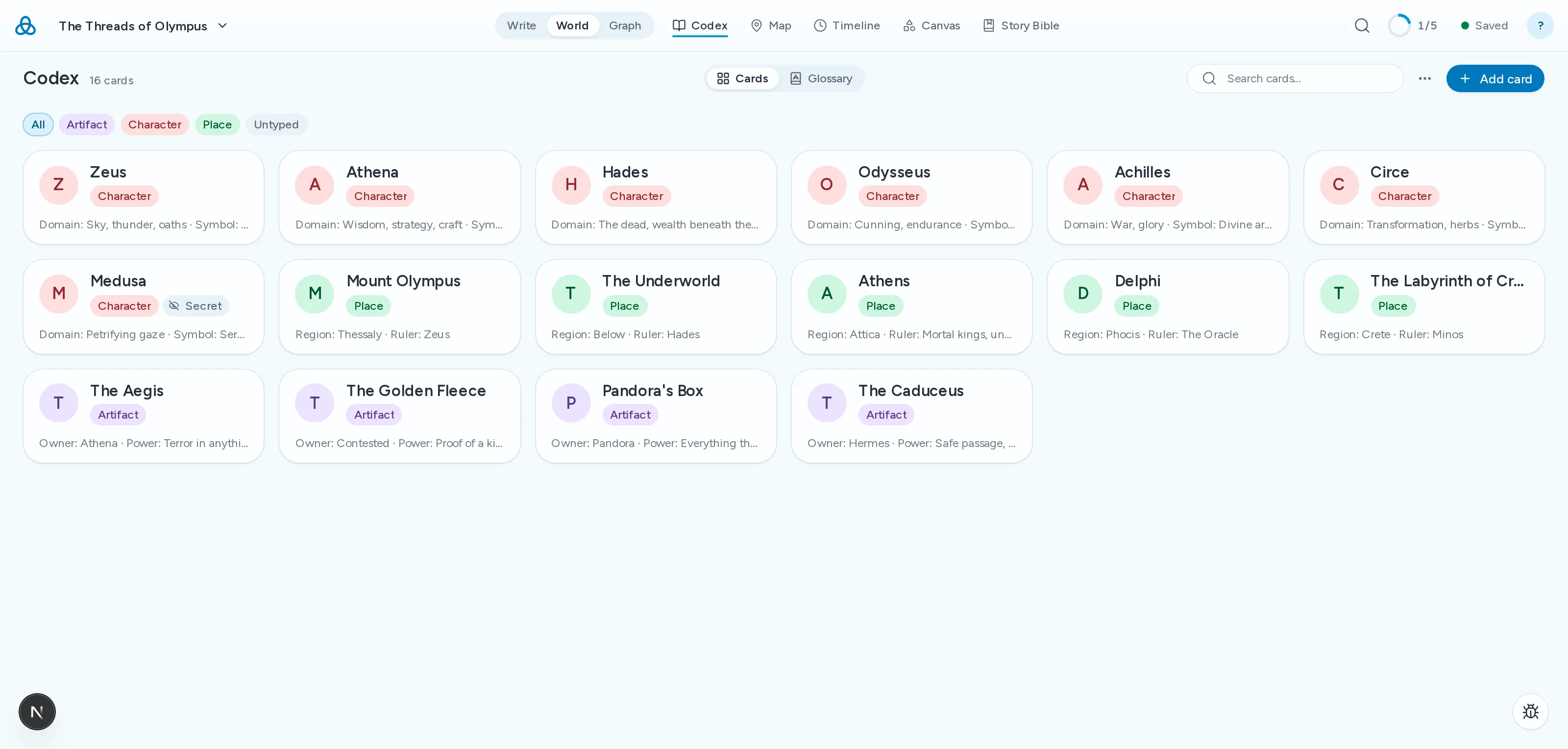
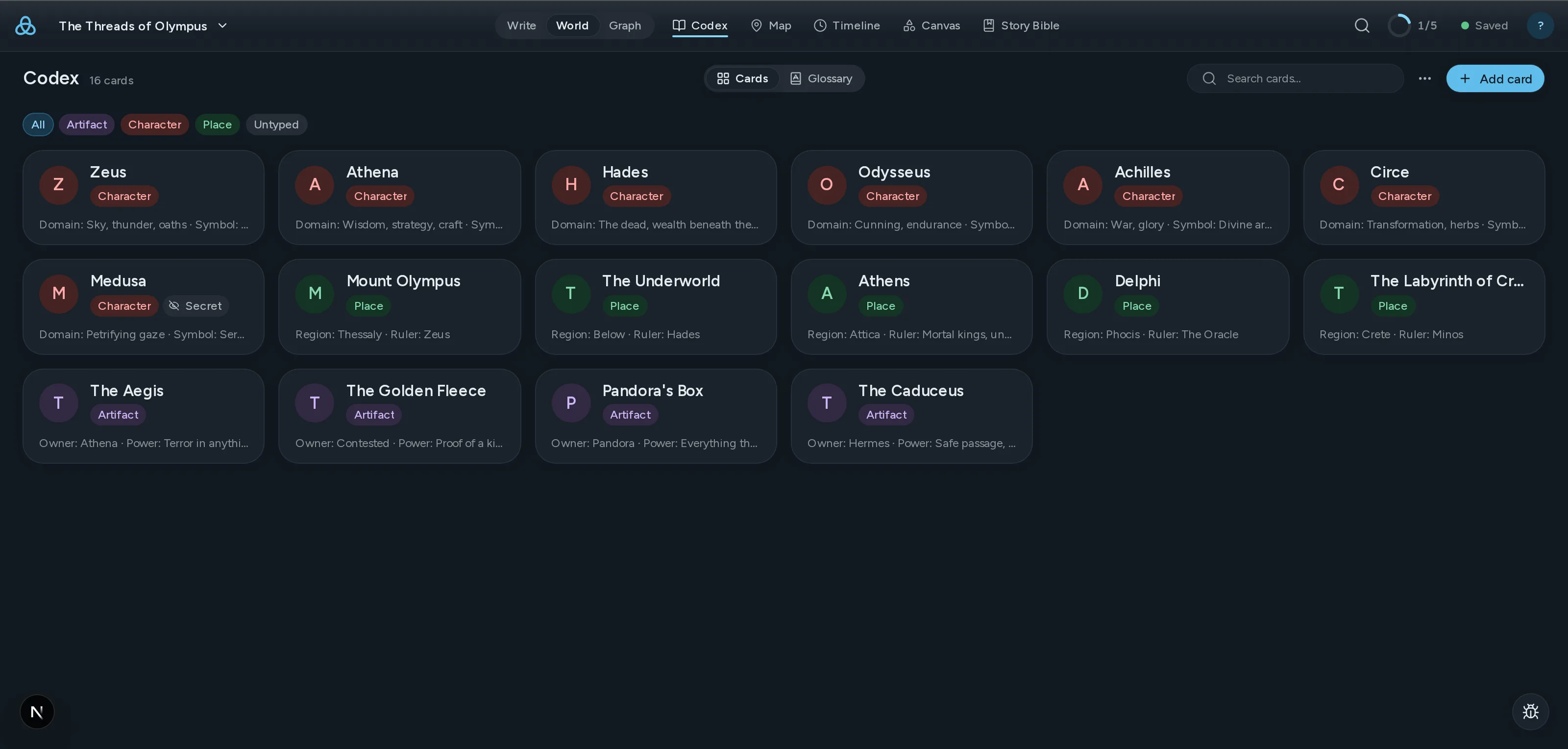
    Thread 图鉴:一个由世界中的人物、地点与器物卡片组成的网格。

    03查看

    交互式力导向图

    See every relationship in your world at a glance. Drag nodes, follow threads.

    ClothoLachesisAtroposThe LoomGolden ThreadRiver StyxSpindle
    CharacterLocationItem

    04校验

    AI 连贯性检查

    Thread 将草稿与你的设定集比对,标出外貌、时间线、名称和设定上的矛盾。

    AI Review2 findings
    highAppearance
    Kaelen's eye colour changes
    Chapter 3his green eyes narrowed
    Chapter 17those pale blue eyes
    mediumTimeline
    The siege lasts nine days, then six
    Chapter 8on the ninth day of the siege
    Codex · Siege of Vhara six-day encirclement

现有功能和即将推出

  • 自动故事圣经从正文中提取角色、地点与阵营,自动生成设定卡,无需重新录入。
  • 支持拖拽整理的文件树Organize your work your way with drag-and-drop folders and files.
  • 跨平台同步你的作品会自动同步到所有设备,始终保持最新。
  • AI 建议和改写Get context-aware suggestions and rewrites powered by AI that understands your world.
  • 所有文档全文搜索Find any passage across all your documents instantly.
  • 与协作者共享项目通过电子邮件邀请他人查看或编辑你的项目。实时协作编辑即将推出。
  • PDF 和 DOCX 导出 作家Export your work as polished PDFs or DOCX documents ready for publishing.
  • 可立即探索的演示项目Explore the Moirai demo project to see Thread in action right away.

Coming from another tool?

Thread overlaps with tools you probably already use. Here is where it differs — and where it does not.

  • From Scrivener

    Scrivener is still the best manuscript organiser there is, and one payment buys it outright. What it has never had is a model of your world: the story bible sits in folders the draft cannot see, so keeping the two in agreement is your job. Thread links them, so a character card and the chapter contradicting it are one click apart.

  • From Obsidian

    Obsidian gives you a linked story bible and a graph, free and local, and it is genuinely good at that. It is an awkward home for the manuscript itself — chapter order, draft targets and a publishable export each need a plugin, and the plugins do not agree with each other. Thread keeps the wiki-links and the graph and treats the novel as a first-class object.

    Read the full comparison
  • From World Anvil

    World Anvil goes deeper on worldbuilding than Thread does, and it is built for game masters first. If you are writing a novel rather than running a campaign, much of that depth becomes scaffolding you maintain instead of prose you write.

    Read the full comparison

简单定价

免费开始。需要更多时升级。

免费
开始构建你的世界
$0/
  • 带实时预览和源码模式的 Markdown 编辑器
  • 用于连接文档的 [[Wiki-links]]
  • 交互式图表可视化
  • 文档类型、标签和元数据
  • 支持拖拽整理的文件树
  • 跨平台同步 — 始终保持最新
  • 最多 3 个项目
  • 仅导出 Markdown
  • 每月 20 次 AI 调用,试用 AI 功能
开始使用
热门
作家
为专注的讲述者设计
$12/
  • 免费版所有功能,外加:
  • 无限项目
  • 所有 AI 功能 — 每月 500 次
  • 与协作者共享项目
  • 导出为 PDF、DOCX 和 EPUB
开始使用

查看包含年度选项的所有计划详情

订阅自动续订。可随时取消。 条款

Questions writers actually ask

什么是 Thread?
Thread 是一款基于 Markdown 的书写和世界构建平台。用简单的 Markdown 书写文档,用 [[wiki-links]] 连接,在交互式图表中探索每一个关系。它为小说家、游戏主持人和所有管理复杂互联知识的人设计。
什么是 [[wiki-links]]?
wiki-links 是一种使用双方括号连接文档的方式。在任何文档中输入 [[角色名称]],Thread 就会创建一个指向该文档的链接。图表可视化展示了你所有链接文档之间的关系,让你轻松探索世界的连接。
Thread 免费吗?
是的。免费方案包含完整的 Markdown 编辑器与实时预览、[[wiki-links]]、交互式关系图、文档类型与标签、拖放式文件整理,以及云端存储。你可以免费创建最多 3 个项目,每个项目 100 篇文档。你的作品始终保存在云端。
Thread 中的 AI 如何工作?
AI 功能是可选的,尊重隐私。当你选择使用它们时,你的内容会被发送到 OpenRouter 进行处理,Thread 和 OpenRouter 都不会用你的内容来训练模型。免费每月包含 20 次 AI 调用,可试用 AI 功能。作家每月包含 500 次。
我可以导出到哪些格式?
免费版可以导出为 Markdown。作家版增加了 PDF、DOCX 和 EPUB 导出。所有导出都使用无锁定的标准格式。
See all questions

保持关注

获取新功能更新、写作技巧和世界构建指南。绝无垃圾邮件。