판타지·SF 소설가를 위한

소설과 세계관을,
마침내 한곳에서.

마크다운으로 쓰고, 이야기의 연결을 살아 있는 그래프로 확인하고, 당신의 세계를 아는 AI가 놓친 모순을 찾아내게 하세요.

Markdown editor
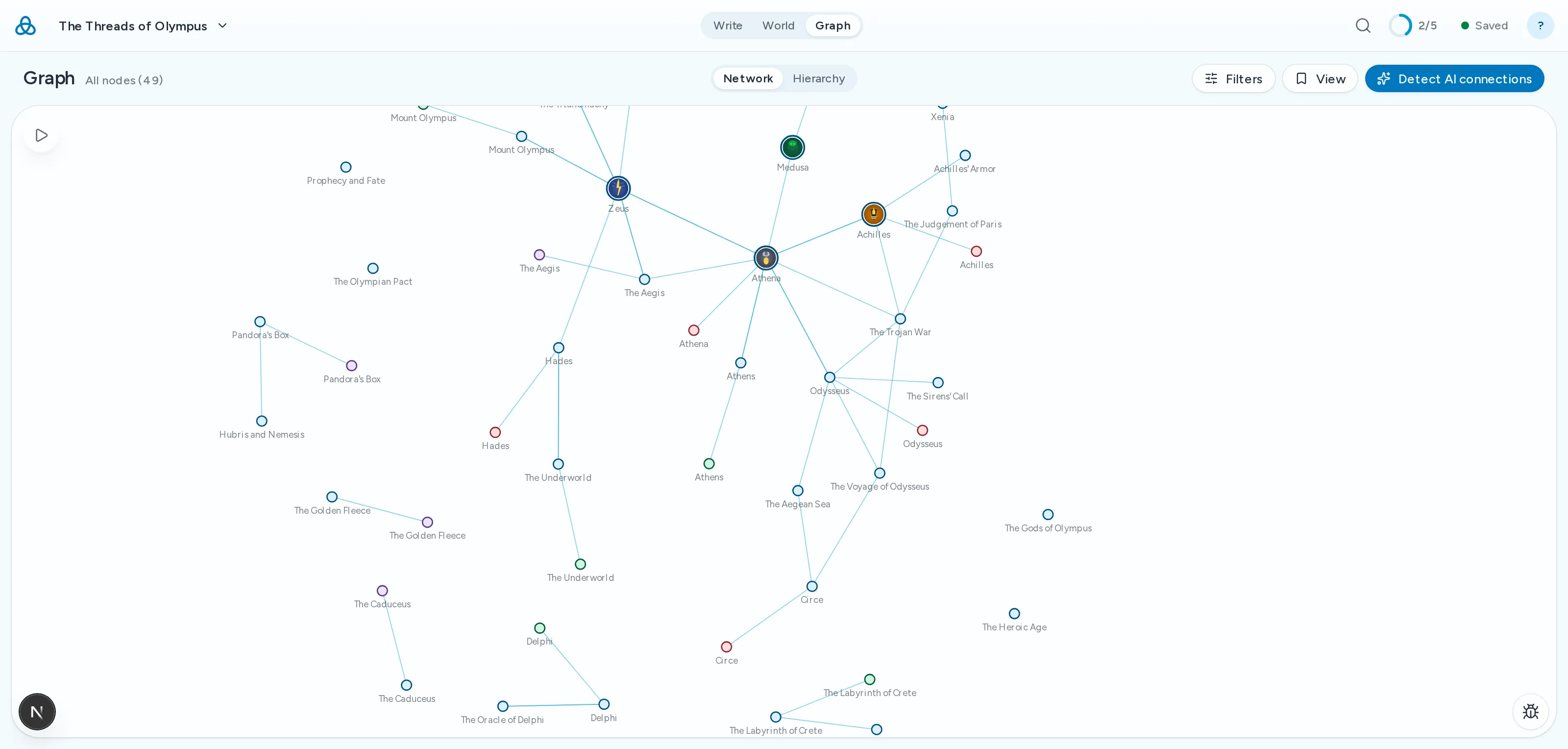
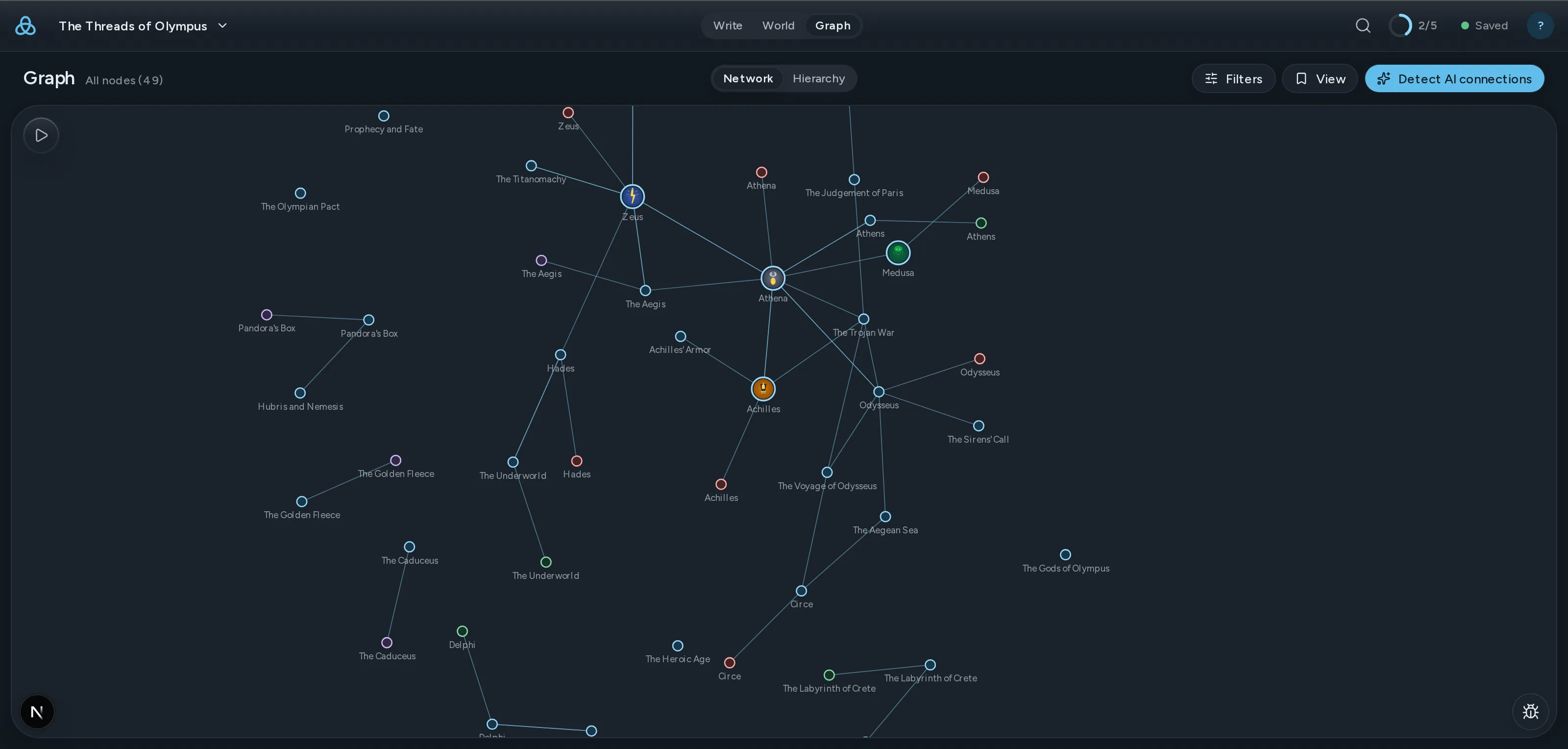
살아 있는 스토리 그래프
연속성 검사
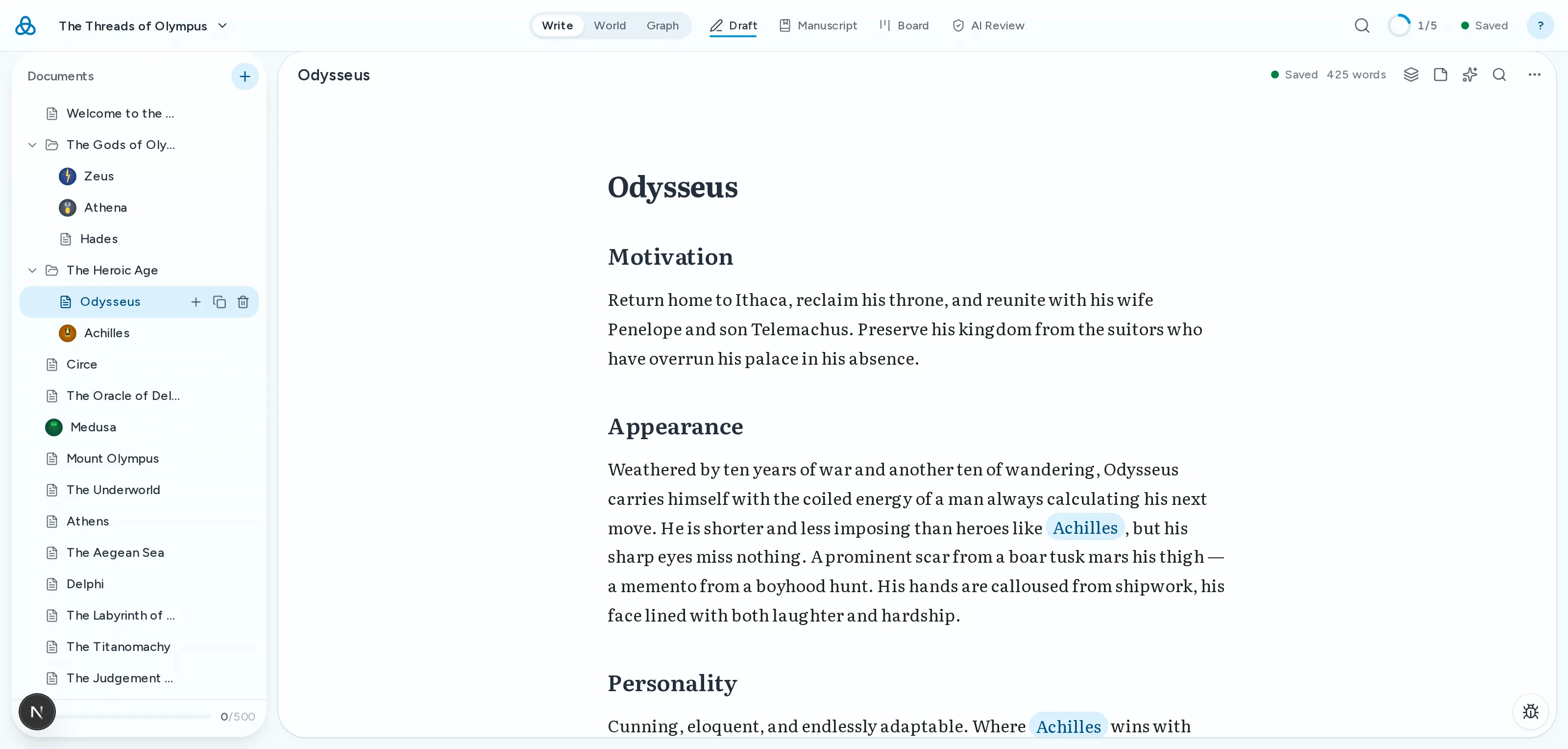
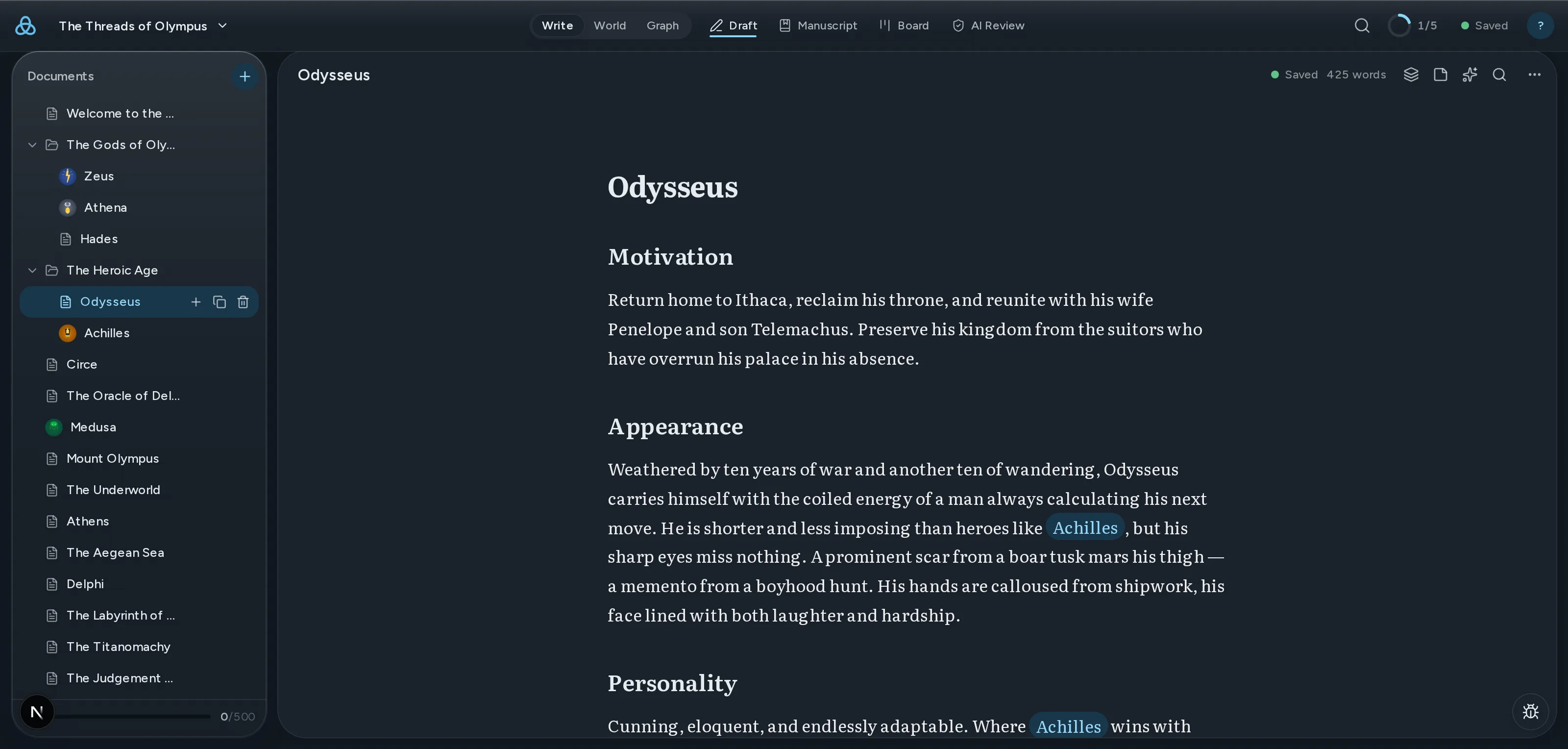
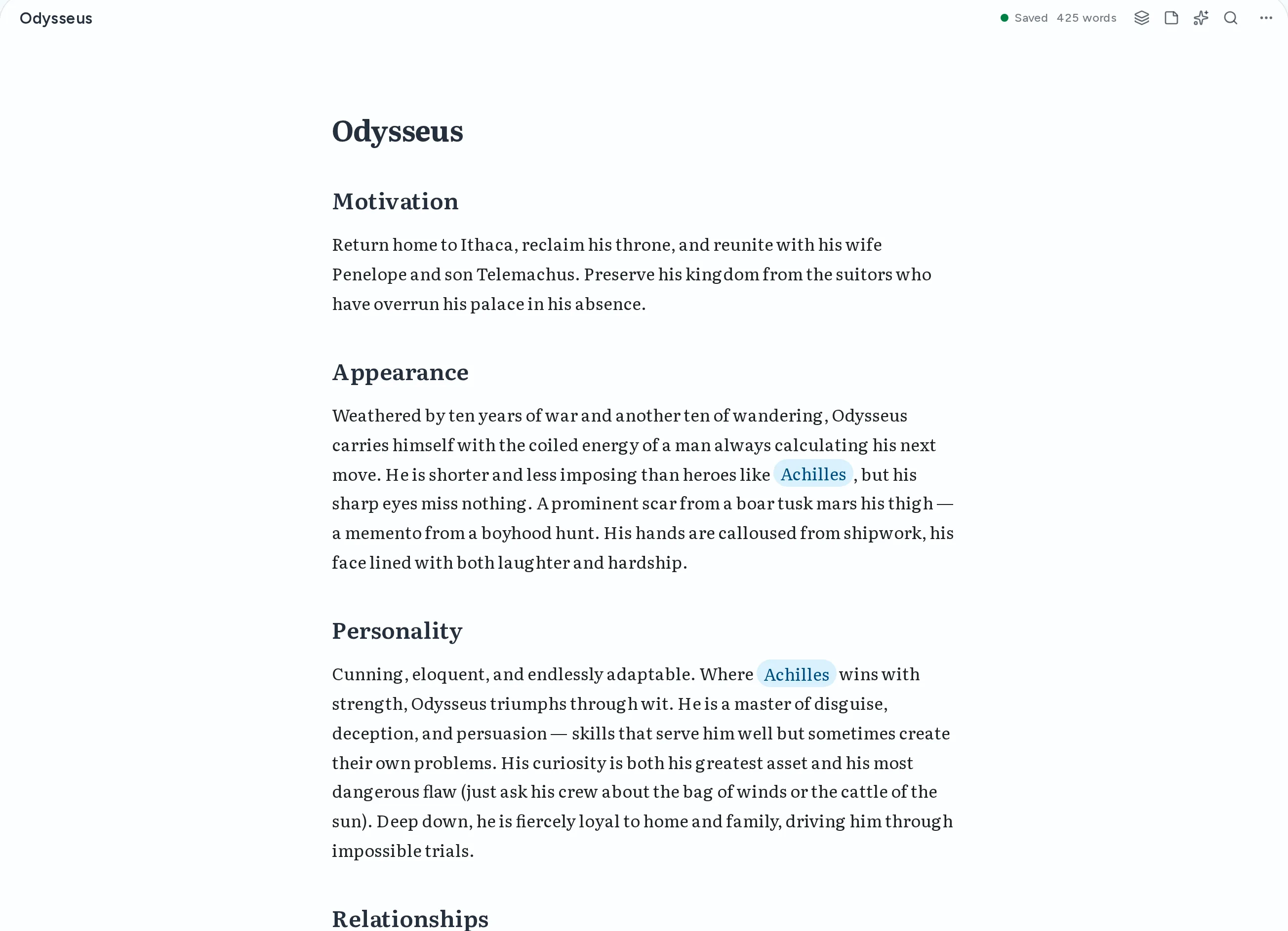
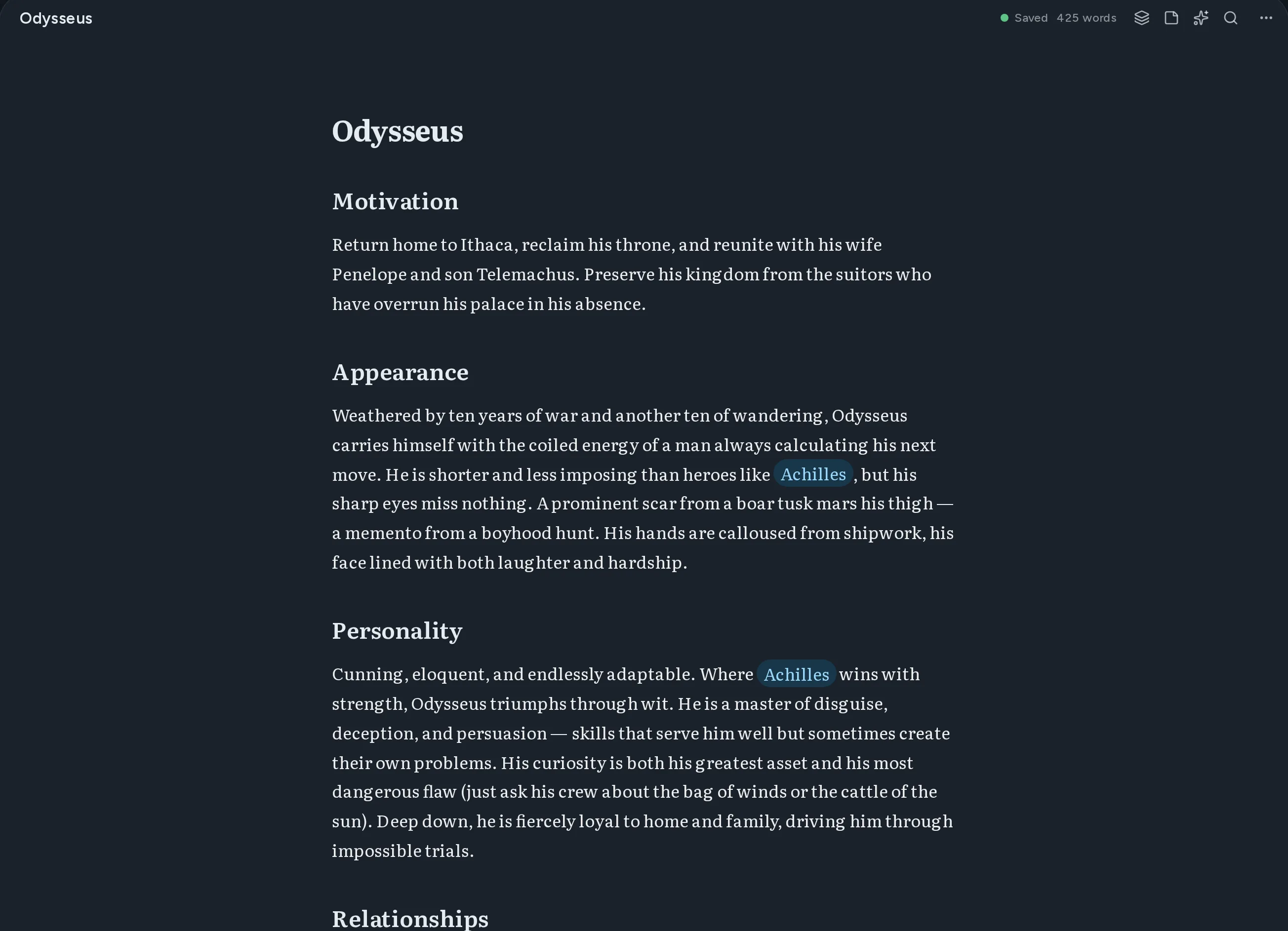
Thread 편집기 화면. 마크다운으로 쓴 인물 문서에 다른 문서로 이어지는 위키 링크가 강조되어 있다.

빈 페이지에서 완성된 초고까지

네 단계가 한곳에. 앱을 벗어날 일도, 머릿속에 세계를 하나 더 담아둘 일도 없습니다.

    01쓰기

    실시간 미리보기와 소스 모드가 있는 마크다운 에디터

    Write in markdown with instant preview. Switch between source and rendered views anytime.

    Thread 편집기 화면. 마크다운으로 쓴 인물 문서에 다른 문서로 이어지는 위키 링크가 강조되어 있다.

    02연결

    문서 연결용 [[Wiki-links]]

    Double-bracket syntax creates connections between documents automatically.

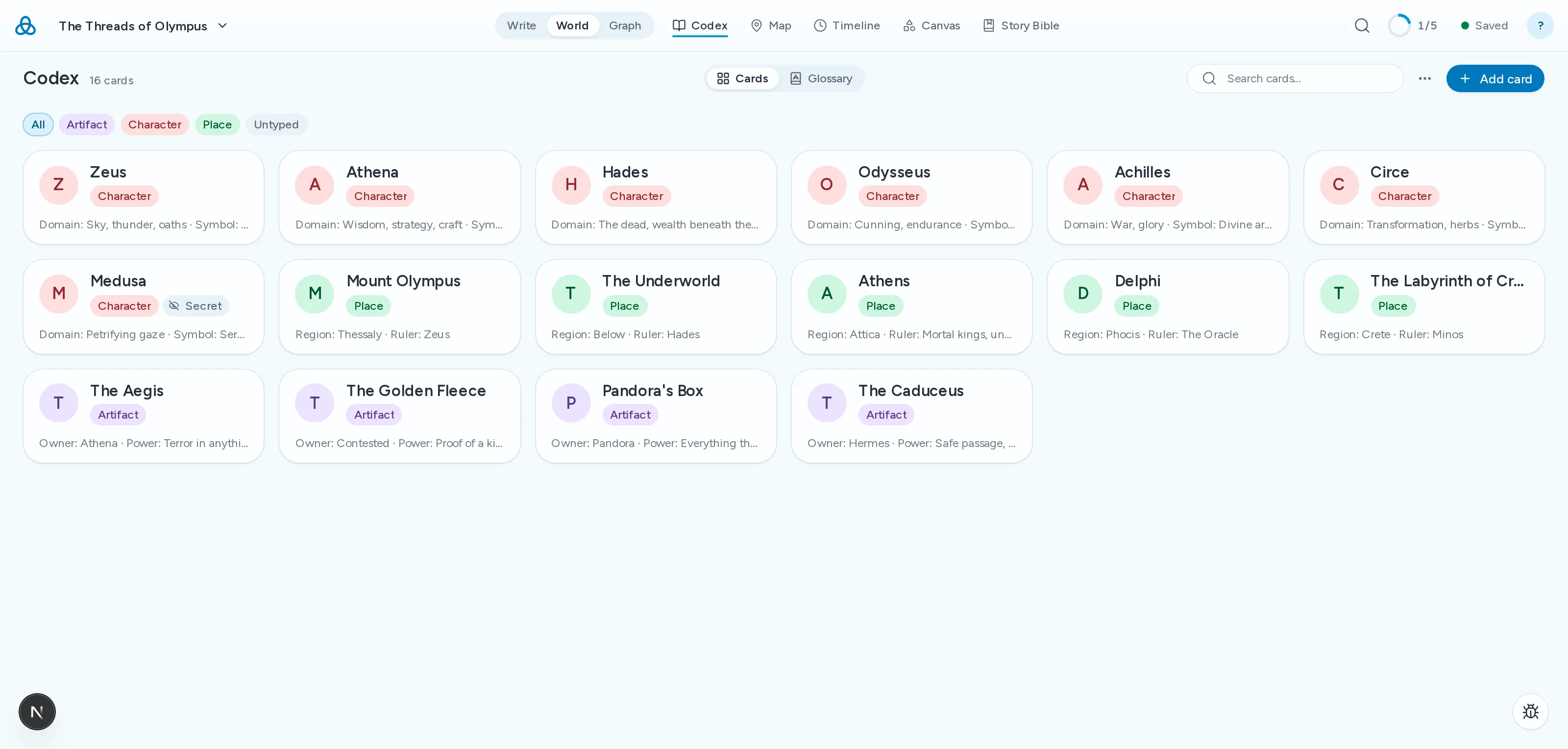
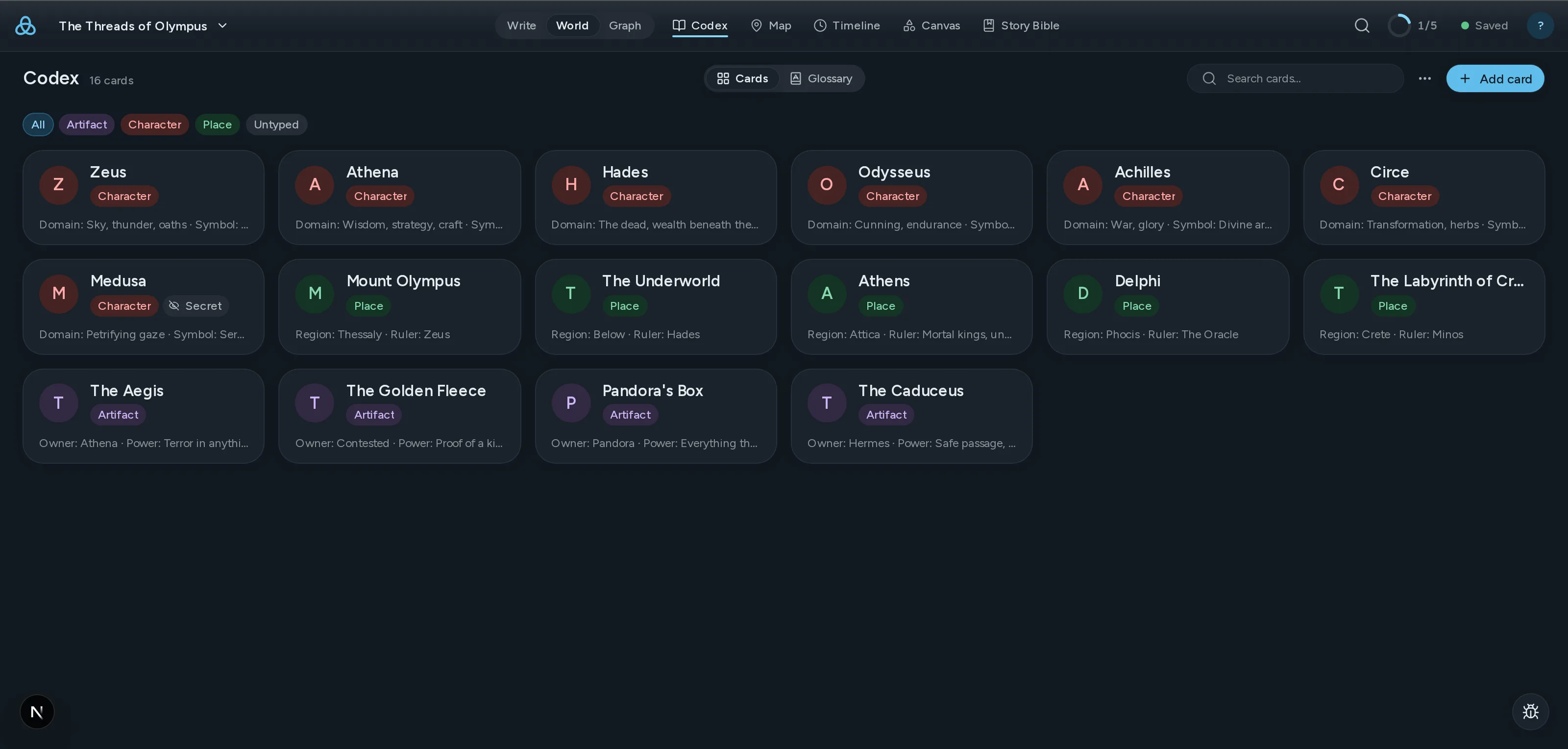
    Thread 코덱스 화면. 세계의 인물·장소·유물 카드가 격자로 배열되어 있다.

    03보기

    인터랙티브 힘 기반 그래프

    See every relationship in your world at a glance. Drag nodes, follow threads.

    ClothoLachesisAtroposThe LoomGolden ThreadRiver StyxSpindle
    CharacterLocationItem

    04점검

    AI 연속성 검사

    Thread가 초고를 코덱스와 대조해 외모·연대기·이름·설정의 모순을 짚어냅니다.

    AI Review2 findings
    highAppearance
    Kaelen's eye colour changes
    Chapter 3his green eyes narrowed
    Chapter 17those pale blue eyes
    mediumTimeline
    The siege lasts nine days, then six
    Chapter 8on the ninth day of the siege
    Codex · Siege of Vhara six-day encirclement

현재 기능과 예정 기능

  • 자동 스토리 바이블본문에서 인물·장소·세력을 코덱스 카드로, 다시 입력할 필요 없이 뽑아냅니다.
  • 드래그 앤 드롭으로 정리하는 파일 트리Organize your work your way with drag-and-drop folders and files.
  • 모든 기기 간 동기화작업 내용이 모든 기기에 자동으로 동기화됩니다. 항상 최신 상태로.
  • AI 제안 및 재작성Get context-aware suggestions and rewrites powered by AI that understands your world.
  • 모든 문서 전문 검색Find any passage across all your documents instantly.
  • 공동 작업자와 프로젝트 공유이메일로 다른 사람을 초대하여 프로젝트를 보거나 편집할 수 있습니다. 실시간 공동 편집은 곧 제공될 예정입니다.
  • PDF 및 DOCX 내보내기 작가Export your work as polished PDFs or DOCX documents ready for publishing.
  • 즉시 탐색할 수 있는 데모 프로젝트Explore the Moirai demo project to see Thread in action right away.

Coming from another tool?

Thread overlaps with tools you probably already use. Here is where it differs — and where it does not.

  • From Scrivener

    Scrivener is still the best manuscript organiser there is, and one payment buys it outright. What it has never had is a model of your world: the story bible sits in folders the draft cannot see, so keeping the two in agreement is your job. Thread links them, so a character card and the chapter contradicting it are one click apart.

  • From Obsidian

    Obsidian gives you a linked story bible and a graph, free and local, and it is genuinely good at that. It is an awkward home for the manuscript itself — chapter order, draft targets and a publishable export each need a plugin, and the plugins do not agree with each other. Thread keeps the wiki-links and the graph and treats the novel as a first-class object.

    Read the full comparison
  • From World Anvil

    World Anvil goes deeper on worldbuilding than Thread does, and it is built for game masters first. If you are writing a novel rather than running a campaign, much of that depth becomes scaffolding you maintain instead of prose you write.

    Read the full comparison

간단한 가격

무료로 시작하세요. 더 필요할 때 업그레이드하세요.

무료
세상 만들기 시작
$0/
  • 실시간 미리보기와 소스 모드가 있는 마크다운 에디터
  • 문서 연결용 [[Wiki-links]]
  • 인터랙티브 그래프 시각화
  • 문서 유형, 태그 및 메타데이터
  • 드래그 앤 드롭으로 정리하는 파일 트리
  • 모든 기기 간 동기화 — 항상 최신 상태
  • 최대 3개 프로젝트
  • 마크다운 내보내기만 가능
  • AI 기능을 체험할 수 있는 월 20회 AI 호출
시작하기
인기
작가
전념하는 이야기꾼을 위해
$12/
  • 무료의 모든 기능에 추가로:
  • 무제한 프로젝트
  • 모든 AI 기능 — 월 500회
  • 공동 작업자와 프로젝트 공유
  • PDF, DOCX, EPUB 내보내기
시작하기

연간 옵션을 포함한 모든 요금제 세부 정보 보기

구독은 자동 갱신됩니다. 언제든지 취소 가능. 이용약관

Questions writers actually ask

Thread란?
Thread는 마크다운 기반의 글쓰기 및 세계 구축 플랫폼입니다. 간단한 마크다운으로 문서를 작성하고, [[wiki-links]]로 연결하며, 인터랙티브 그래프로 모든 관계를 탐색할 수 있습니다. 소설가, 게임 마스터, 복잡하고 상호 연결된 지식을 관리하는 모든 사람을 위해 설계되었습니다.
[[wiki-links]]란 무엇인가요?
wiki-links는 이중 대괄호를 사용하여 문서를 연결하는 방법입니다. 어떤 문서에서든 [[캐릭터 이름]]을 입력하면 Thread가 해당 문서로 링크를 만듭니다. 그래프 시각화를 통해 연결된 모든 문서의 관계를 보여주어 세상의 연결을 쉽게 탐색할 수 있습니다.
Thread는 무료인가요?
네. 무료 플랜에는 실시간 미리보기가 있는 완전한 마크다운 에디터, [[wiki-links]], 인터랙티브 그래프, 문서 유형과 태그, 드래그 앤 드롭 파일 정리, 그리고 클라우드 저장소가 포함됩니다. 각각 100개 문서까지 담을 수 있는 프로젝트를 최대 3개까지 무료로 만들 수 있습니다. 작업 내용은 항상 클라우드에 저장됩니다.
Thread의 AI는 어떻게 작동하나요?
AI 기능은 선택 사항이며 개인정보를 존중합니다. 사용을 선택하면 콘텐츠가 처리를 위해 OpenRouter로 전송되며, Thread와 OpenRouter 모두 콘텐츠를 모델 학습에 사용하지 않습니다. 무료 플랜에는 AI 기능을 체험할 수 있는 월 20회의 AI 호출이 포함됩니다. 작가에는 월 500회가 포함됩니다.
어떤 형식으로 내보낼 수 있나요?
무료 요금제에서는 마크다운으로 내보낼 수 있습니다. 작가 요금제에서는 PDF, DOCX, EPUB 내보내기가 추가됩니다. 모든 내보내기는 종속 없는 표준 형식을 사용합니다.
See all questions

최신 정보 받기

새로운 기능, 글쓰기 팁, 세계 구축 가이드 업데이트를 받아보세요. 스팸 없음, 절대 없음.