ファンタジー・SF作家のために

物語と世界を、
ひとつの場所に。

マークダウンで書き、物語のつながりを生きたグラフで確かめ、あなたの世界を理解する AI に見落とした矛盾を見つけてもらいましょう。

Markdown editor
生きたストーリーグラフ
整合性チェック
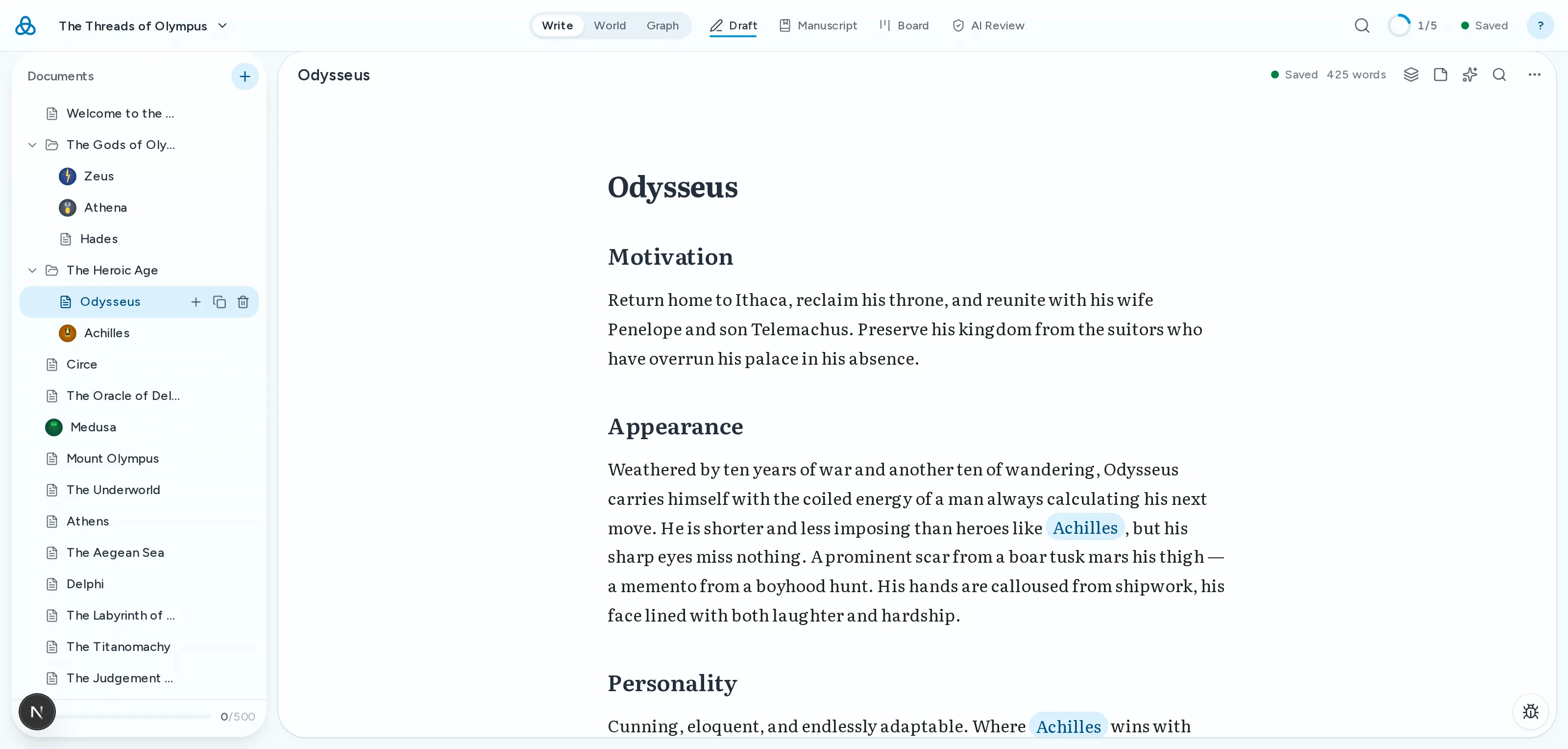
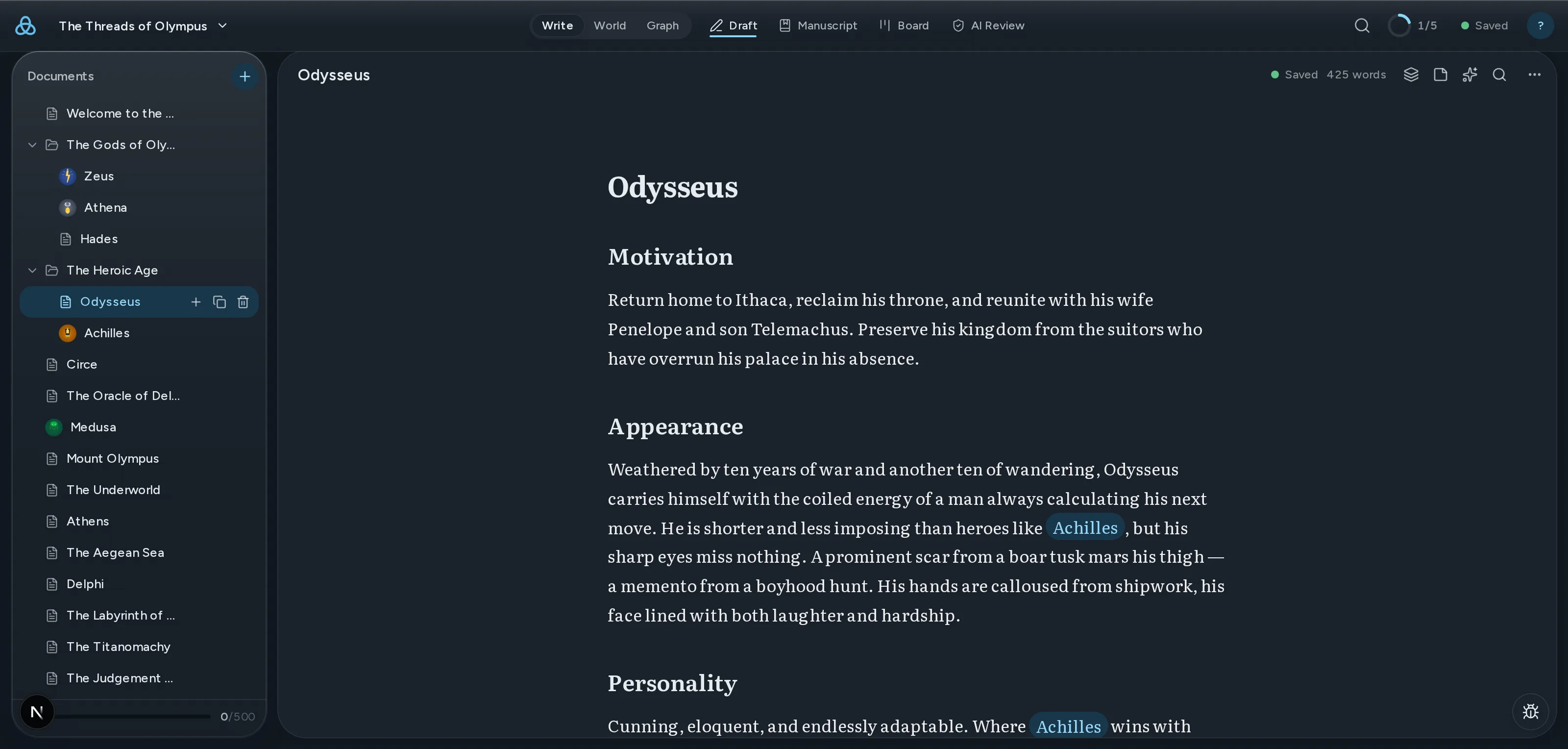
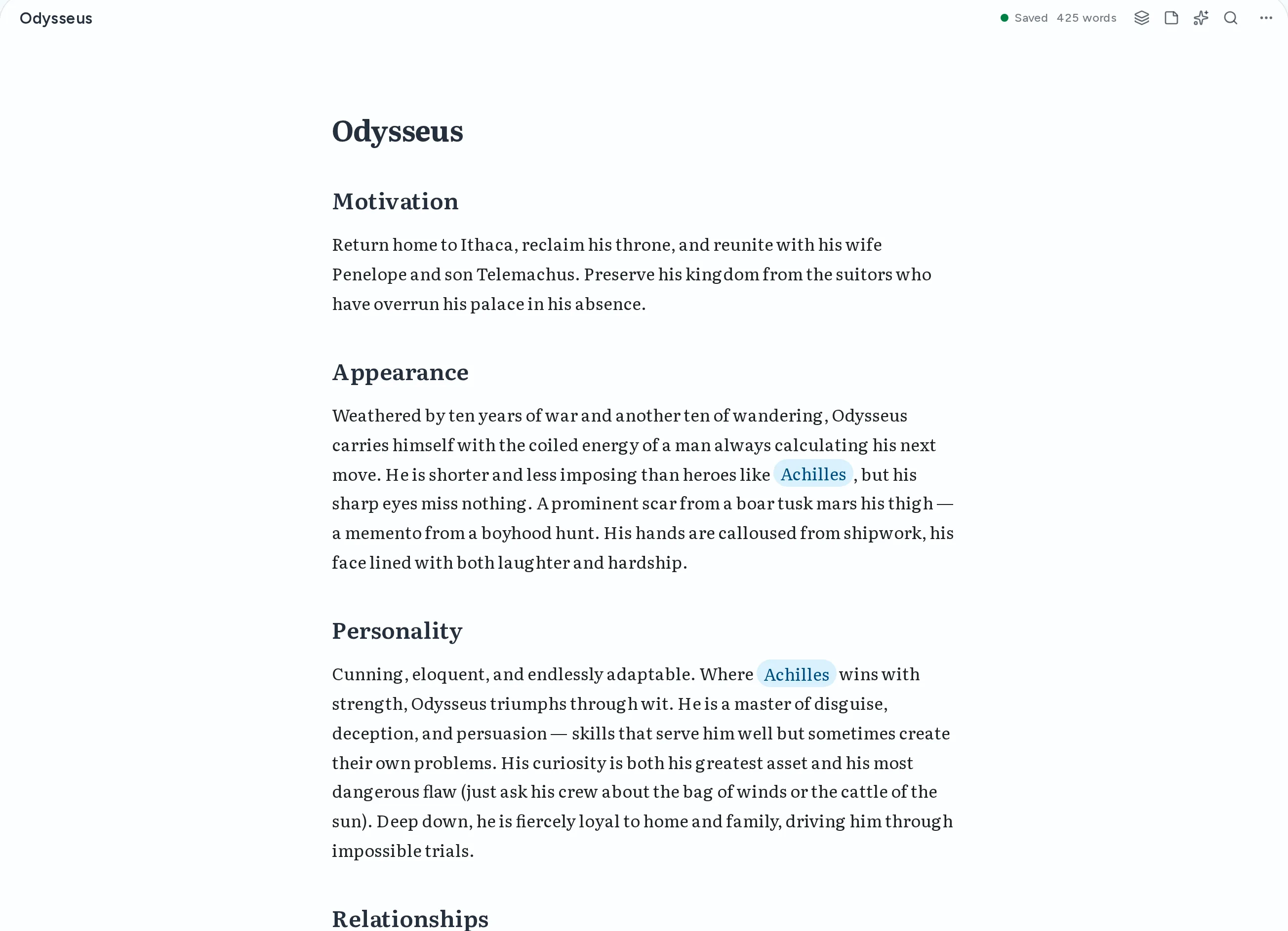
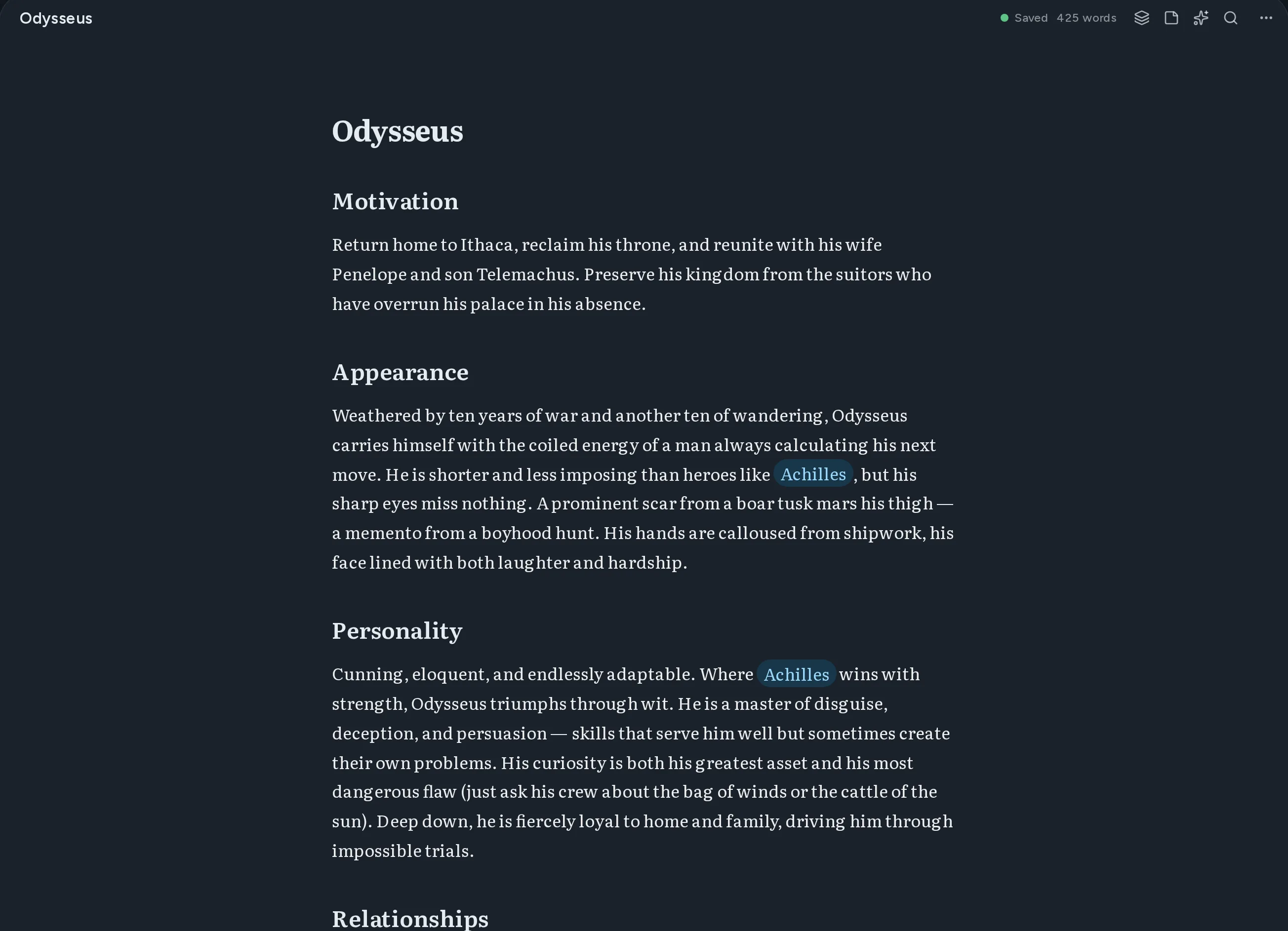
Thread のエディタ画面。マークダウンで書かれた人物ドキュメントに、他の文書へのウィキリンクが強調表示されている。

白紙から完成した草稿まで

四つの段階が、ひとつの場所に。アプリを離れる必要も、頭の中にもうひとつの世界を抱える必要もありません。

    01書く

    ライブプレビューとソースモード付きマークダウンエディタ

    Write in markdown with instant preview. Switch between source and rendered views anytime.

    Thread のエディタ画面。マークダウンで書かれた人物ドキュメントに、他の文書へのウィキリンクが強調表示されている。

    02つなぐ

    ドキュメント接続用[[Wiki-links]]

    Double-bracket syntax creates connections between documents automatically.

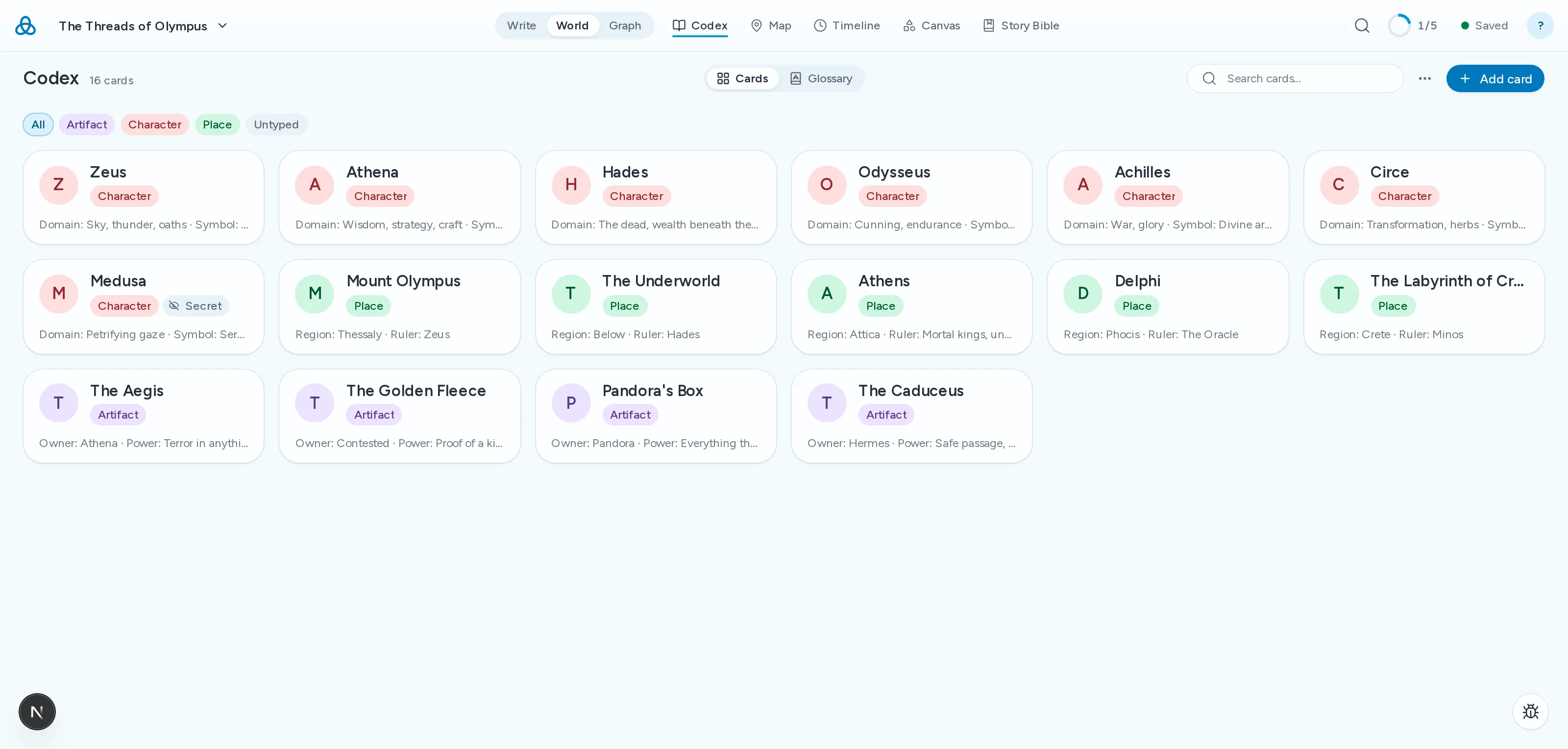
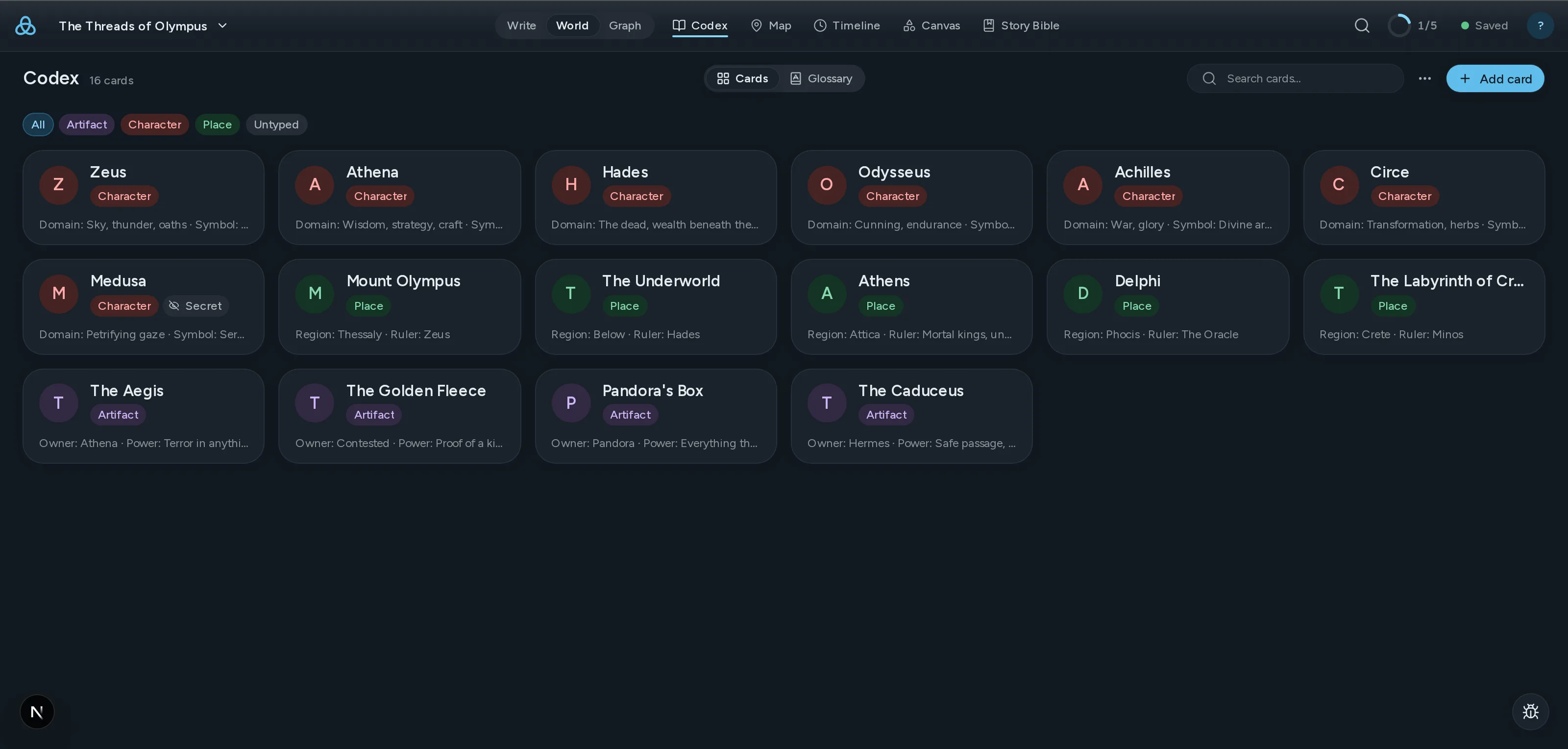
    Thread のコデックス画面。世界の人物・場所・遺物のカードが並んでいる。

    03見る

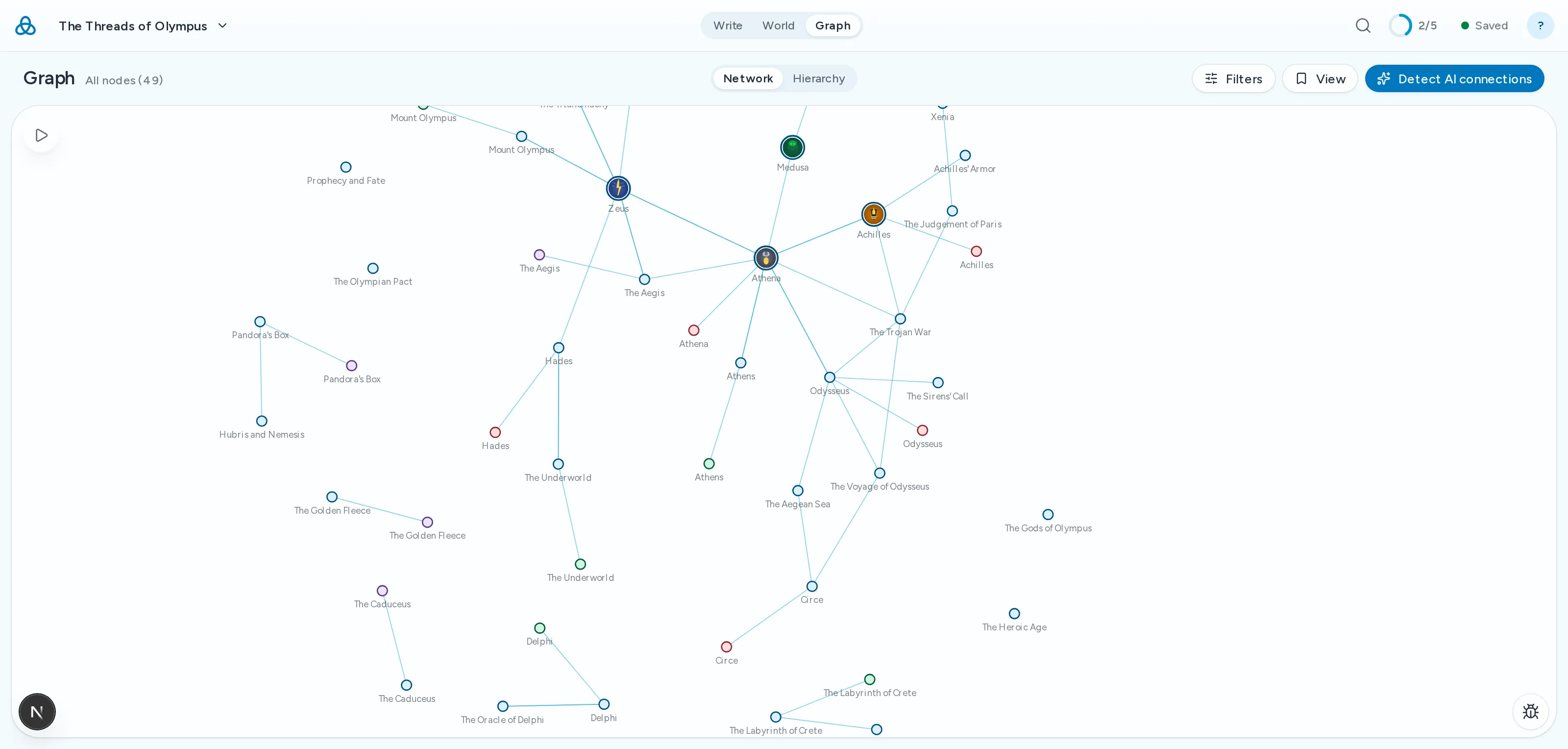
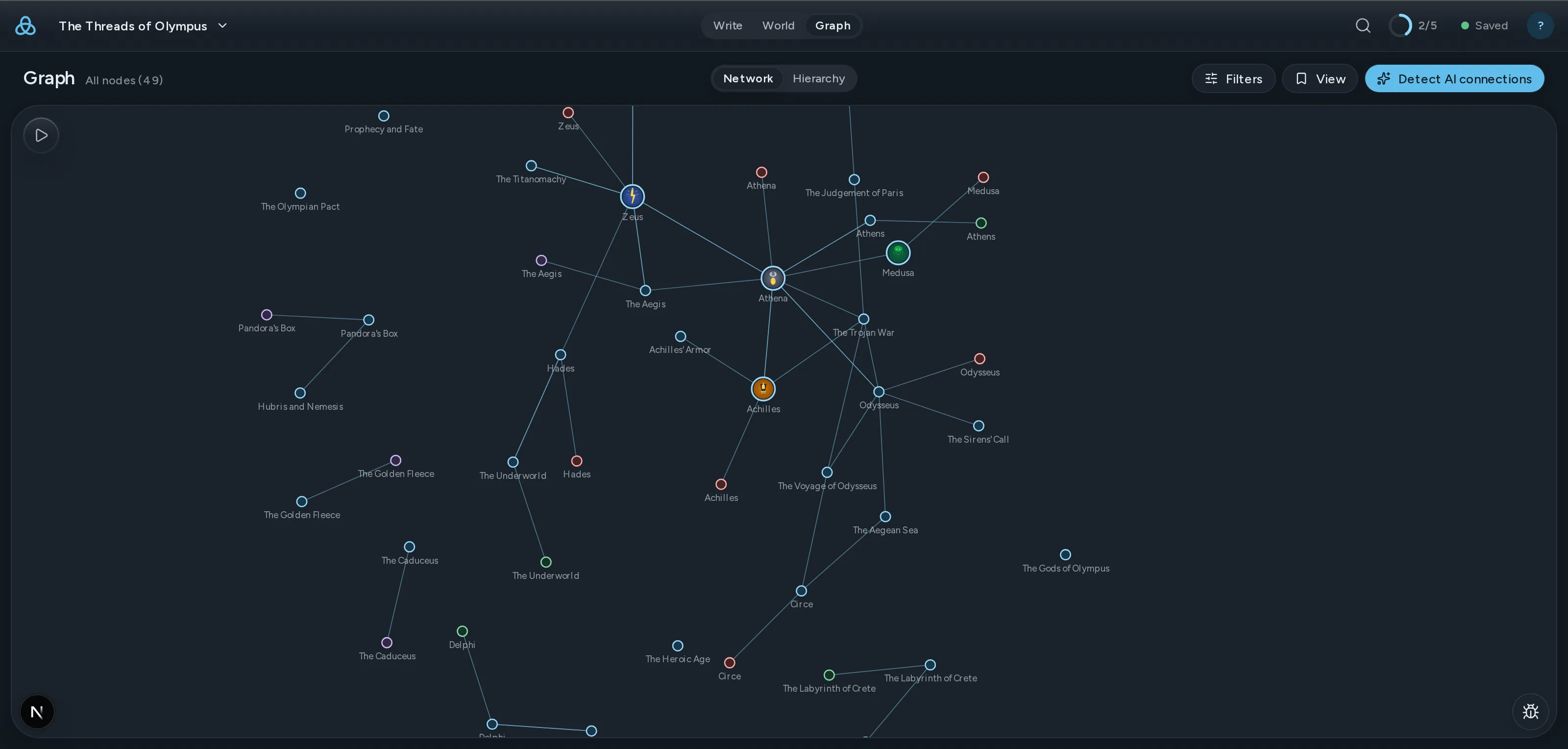
    インタラクティブな力指向グラフ

    See every relationship in your world at a glance. Drag nodes, follow threads.

    ClothoLachesisAtroposThe LoomGolden ThreadRiver StyxSpindle
    CharacterLocationItem

    04確かめる

    AI 整合性チェック

    Thread が草稿をコーデックスと照合し、容姿・時系列・名前・設定の矛盾を指摘します。

    AI Review2 findings
    highAppearance
    Kaelen's eye colour changes
    Chapter 3his green eyes narrowed
    Chapter 17those pale blue eyes
    mediumTimeline
    The siege lasts nine days, then six
    Chapter 8on the ninth day of the siege
    Codex · Siege of Vhara six-day encirclement

現在の機能と今後の予定

  • 自動ストーリーバイブル本文から登場人物・場所・勢力をコーデックスカードへ、打ち直しなしで抽出します。
  • ドラッグ&ドロップで整理するファイルツリーOrganize your work your way with drag-and-drop folders and files.
  • 全デバイス間で同期作業内容はすべてのデバイスに自動で同期されます。常に最新の状態に。
  • AI提案と書き換えGet context-aware suggestions and rewrites powered by AI that understands your world.
  • 全ドキュメント全文検索Find any passage across all your documents instantly.
  • 共同編集者とプロジェクトを共有メールで招待して、プロジェクトの閲覧や編集を共有できます。リアルタイム共同編集は近日公開予定です。
  • PDFとDOCXエクスポート ライターExport your work as polished PDFs or DOCX documents ready for publishing.
  • すぐに探索できるデモプロジェクトExplore the Moirai demo project to see Thread in action right away.

Coming from another tool?

Thread overlaps with tools you probably already use. Here is where it differs — and where it does not.

  • From Scrivener

    Scrivener is still the best manuscript organiser there is, and one payment buys it outright. What it has never had is a model of your world: the story bible sits in folders the draft cannot see, so keeping the two in agreement is your job. Thread links them, so a character card and the chapter contradicting it are one click apart.

  • From Obsidian

    Obsidian gives you a linked story bible and a graph, free and local, and it is genuinely good at that. It is an awkward home for the manuscript itself — chapter order, draft targets and a publishable export each need a plugin, and the plugins do not agree with each other. Thread keeps the wiki-links and the graph and treats the novel as a first-class object.

    Read the full comparison
  • From World Anvil

    World Anvil goes deeper on worldbuilding than Thread does, and it is built for game masters first. If you are writing a novel rather than running a campaign, much of that depth becomes scaffolding you maintain instead of prose you write.

    Read the full comparison

シンプルな料金設定

無料で始める。必要に応じてアップグレード。

無料
世界構築を始める
$0/
  • ライブプレビューとソースモード付きマークダウンエディタ
  • ドキュメント接続用[[Wiki-links]]
  • インタラクティブなグラフ可視化
  • ドキュメントタイプ、タグ、メタデータ
  • ドラッグ&ドロップで整理するファイルツリー
  • 全デバイス間で同期 — 常に最新
  • 最大3プロジェクト
  • マークダウンのみエクスポート
  • AI機能を試せる月20回のAI呼び出し
始める
人気
ライター
熱心な物語作家向け
$12/
  • 無料版の全機能に加えて:
  • 無制限プロジェクト
  • すべてのAI機能 — 月500回
  • 共同編集者とプロジェクトを共有
  • PDF・DOCX・EPUB でのエクスポート
始める

年間オプションを含むプラン詳細を見る

サブスクリプションは自動更新。いつでもキャンセル可能。 利用規約

Questions writers actually ask

Threadとは?
Threadはマークダウンベースの執筆・世界構築プラットフォームです。シンプルなマークダウンでドキュメントを作成し、[[wiki-links]]で接続し、インタラクティブなグラフであらゆる関係性を探索できます。小説家、ゲームマスター、複雑で相互接続された知識を管理するすべての人のために設計されています。
[[wiki-links]]とは何ですか?
wiki-linksは二重角括弧を使用してドキュメントを接続する方法です。任意のドキュメントに[[キャラクター名]]と入力すると、Threadはそのドキュメントへのリンクを作成します。グラフの可視化により、接続されたすべてのドキュメントの関係が表示され、世界の接続を探索しやすくなります。
Threadは無料ですか?
はい。無料プランには、ライブプレビュー付きの完全なMarkdownエディタ、[[wiki-links]]、インタラクティブなグラフ、ドキュメントタイプとタグ、ドラッグ&ドロップのファイル整理、そしてクラウドストレージが含まれます。各100ドキュメントまでのプロジェクトを3つまで無料で作成できます。作業内容は常にクラウドに保存されます。
ThreadのAIはどのように機能しますか?
AI機能はオプションで、プライバシーを尊重しています。使用を選択すると、コンテンツは処理のためにOpenRouterに送信されますが、ThreadもOpenRouterもコンテンツをモデルの学習に使用しません。無料プランには、AI機能を試せる月20回のAI呼び出しが含まれます。ライタープランには月500回が含まれます。
どの形式にエクスポートできますか?
無料プランではマークダウンにエクスポートできます。ライタープランではPDF、DOCX、EPUBエクスポートが追加されます。すべてのエクスポートはロックインなしの標準形式を使用します。
See all questions

最新情報を受け取る

新機能、執筆のヒント、世界構築ガイドの更新を受け取る。スパムは一切なし。